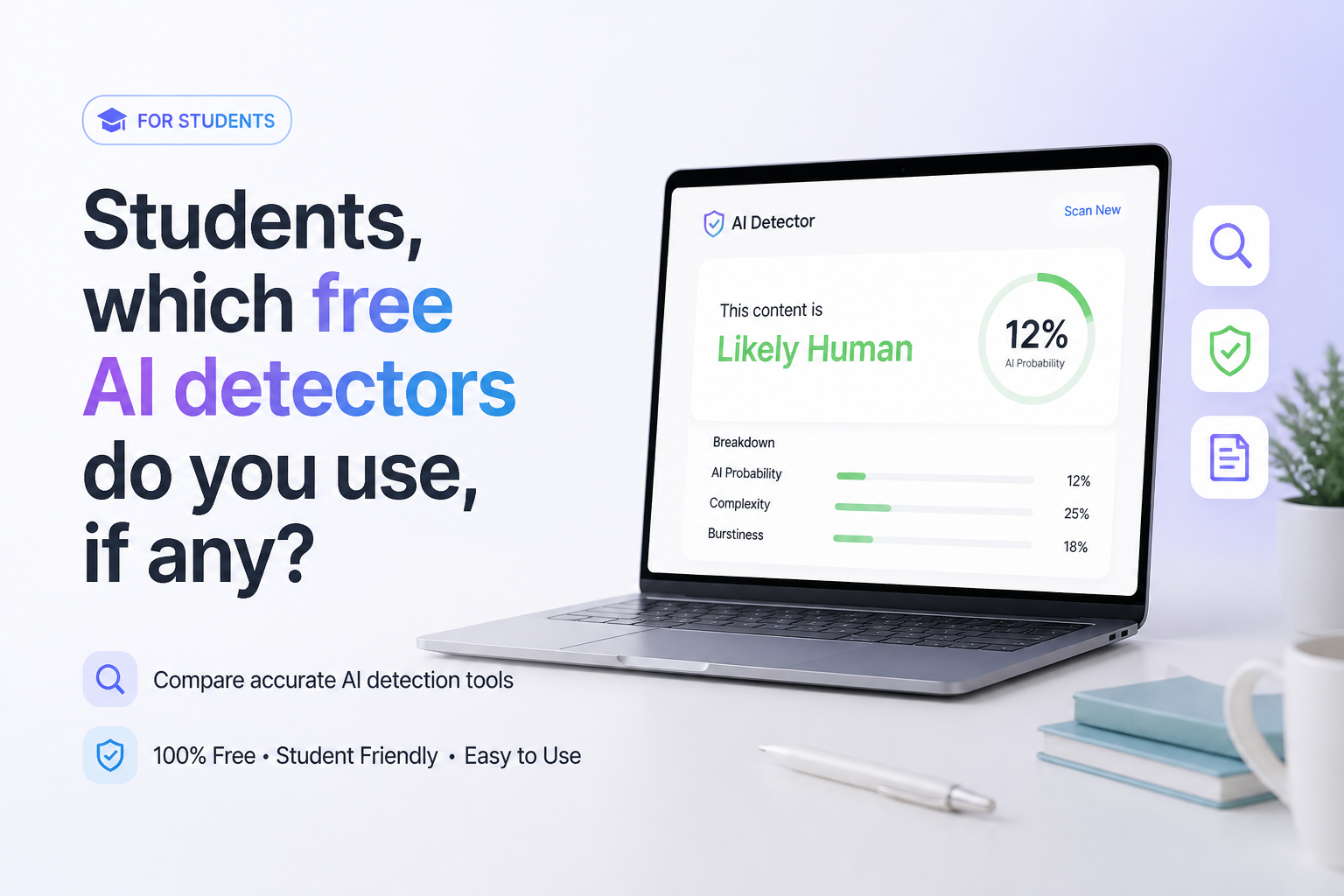
Students, which free AI detectors do you use, if any?
Free AI detectors can be useful for a second opinion, but none can prove authorship. We compared five options by limits, result detail, friction, plus value for student papers.
Clever AI Detector
9.1/10Best for: Students checking full essays, research drafts, or long assignments without a daily scan cap
- Up to 10,000 words in one check
- Unlimited free runs
- Sentence-level signals included
- No account required for detection
QuillBot AI Detector
8.5/10Best for: Students who want help understanding why a particular passage drew an AI flag
- Sentence-level highlighting
- Distinguishes AI-generated from AI-refined text
- One free explanation card per scan
- No payment needed for basic checks
Scribbr AI Detector
8.2/10Best for: Students checking coursework written in English, Spanish, German, or French
- Unlimited free submissions
- No sign-up required
- Supports four listed languages
- Paragraph-level feedback
Free AI Detectors for Students Compared
These five tools are compared by the amount of text allowed in a free check, plus whether the result points to individual sentences or passages. Scores are editorial judgments based on student usefulness, free access, clarity, plus friction rather than a controlled accuracy benchmark.
| Tool | Free Check Limit | Passage Feedback | Price | Score |
|---|---|---|---|---|
| 1.Clever AI Detector PICK | 10,000 words | ● Yes | Free | 9.1/10 |
| 2.QuillBot AI Detector | 1,200 words | ● Yes | Free | 8.5/10 |
| 3.Scribbr AI Detector | 1,200 words | ● Yes | Free | 8.2/10 |
| 4.GPTZero | 10,000 characters | ● Yes | Free | 7.9/10 |
| 5.Sapling AI Detector | 2,000 characters | ● Yes | Free | 7.5/10 |
The 5 Best Free AI Detectors for Students, Reviewed
01 Clever AI Detector
Web Tool / CleverFiles
9.1/10
Clever AI Detector
Web Tool / CleverFiles
Clever earned first place mostly because its free limits are unusually practical for student work. Each check accepts up to 10,000 words, runs are unlimited, plus an account is optional. That is enough room for a long paper without splitting it into awkward sections. (cleverhumanizer.ai)
The report gives an overall probability, confidence information, plus sentence-level signals. In our feature review, that made the result easier to inspect than a bare percentage. Clever also states that its score is probability rather than proof, which is the right framing for a detector. (cleverhumanizer.ai)
There is no independent evidence here proving it is the most accurate option. It wins this student-focused ranking on access, usable feedback, plus the lack of a paywall, not on an unverified accuracy claim.
Best forStudents checking full essays, research drafts, or long assignments without a daily scan cap
- Up to 10,000 words in one check
- Unlimited free runs
- Sentence-level signals included
- No account required for detection
- Optional account saves check history
- Independent comparative accuracy data is limited
- A probability score cannot verify who wrote a paper
- Web-only workflow may not match a school platform

02 QuillBot AI Detector
Web Tool / QuillBot
8.5/10
QuillBot AI Detector
Web Tool / QuillBot
QuillBot is useful when a percentage alone feels too vague. Its detector highlights likely AI-written passages, separates AI-generated text from AI-refined text, plus provides an explanation card for one passage on the free tier. (quillbot.com)
The free allowance is 1,200 words per scan with up to six scans daily. That works for a short essay or selected sections of a larger paper, though a thesis chapter will need several checks. The interface also sits beside QuillBot's other writing utilities, which some students may already use. (quillbot.com)
Best forStudents who want help understanding why a particular passage drew an AI flag
- Sentence-level highlighting
- Distinguishes AI-generated from AI-refined text
- One free explanation card per scan
- No payment needed for basic checks
- Familiar interface for existing QuillBot users
- Free use stops at six scans per day
- 1,200-word cap requires splitting longer papers
- Full explanations require Premium
03 Scribbr AI Detector
Web Tool / Scribbr
8.2/10
Scribbr AI Detector
Web Tool / Scribbr
Scribbr keeps the free workflow simple. It allows unlimited checks, requires no account, plus accepts up to 1,200 words per submission. Results classify passages as human-written, AI-generated, or AI-refined rather than presenting only one blunt label. (scribbr.com)
Its clearest advantage is language coverage. English, German, French, plus Spanish are supported, while paragraph-level feedback helps locate the part of a draft that affected the result. Longer term papers still need to be divided into sections. (scribbr.com)
Best forStudents checking coursework written in English, Spanish, German, or French
- Unlimited free submissions
- No sign-up required
- Supports four listed languages
- Paragraph-level feedback
- Clear AI-refined category
- 1,200-word limit per submission
- Free detection may trail premium coverage for newer models
- No detector result proves misconduct
04 GPTZero
Web Platform / Superhuman
7.9/10
GPTZero
Web Platform / Superhuman
GPTZero offers more of an academic-integrity toolkit than a basic paste box. The public detector accepts up to 10,000 characters before an upgrade prompt, then highlights phrases it associates with AI writing. Larger scans can require a free account. (gptzero.me)
The interesting part for students is Writing Replay in Google Docs. A writing record can be more persuasive during a disputed flag than running the same finished paragraph through five detectors. Several advanced insights sit behind account or paid-plan limits, so the free experience feels less straightforward than Clever's.
Best forStudents who want detection plus a way to document how a Google Docs draft developed
- Recognizable education-focused detector
- Highlights specific phrases
- Supports several major languages
- Google Docs writing-process tools available
- Useful sample texts explain result types
- Public paste box is capped at 10,000 characters
- Advanced scans plus reports may require an upgrade
- The broader interface can feel busy for one quick check
05 Sapling AI Detector
Web Tool / Sapling
7.5/10
Sapling AI Detector
Web Tool / Sapling
Sapling exposes more of the machinery behind its result than most free checkers. It shows an overall AI-generation score, local highlights, plus sentence perplexity information. The site explicitly warns that these signals can disagree or produce false results. (sapling.ai)
The main tradeoff is size. Free checks cover the first 2,000 characters, roughly 400 to 500 tokens. That is suitable for testing a paragraph or introduction, not reviewing a full paper in one pass. PDF plus Word uploads are supported when the files contain selectable text. (sapling.ai)
Best forStudents or teaching assistants curious about local signals plus sentence perplexity
- Overall score plus local highlights
- Sentence perplexity scores available
- Accepts selectable-text PDF or Word files
- Clear warning about false positives
- No-cost basic detector
- Only 2,000 characters per free check
- Technical output may confuse casual users
- Long assignments require many separate runs
How We Compared Free AI Detectors for Student Papers
We reviewed the public free workflow available on September 24, 2026, focusing on input limits, account requirements, passage-level feedback, result clarity, file support, plus upgrade pressure. Scores favor tools a student can use on a normal assignment without paying or chopping the draft into dozens of pieces.
We did not assign accuracy percentages from a tiny homemade sample. Detector performance shifts by model, genre, text length, editing style, plus language. The ranking therefore reflects usability plus transparency, not a claim that the first tool can establish authorship.
How Students Should Choose a Free AI Detector
Start with the length of your paper. A 10,000-word limit is useful for a capstone draft, while a 2,000-character box is really a paragraph checker. Next, look for sentence or passage signals. They let you inspect what triggered the score instead of reacting to one alarming number.
Account requirements matter on shared or campus computers. Privacy terms matter too, especially if a draft contains interviews, unpublished research, personal details, or restricted course material. Never upload sensitive work unless your instructor plus institution permit it.
Common Student Mistakes With Free AI Detectors
The biggest mistake is chasing a zero percent AI score. Human writing can be flagged, while generated writing can pass. Repeatedly flattening your style to please several detectors may make the paper worse without proving anything.
A second mistake is confusing AI detection with plagiarism detection. One estimates writing patterns. The other looks for matching source material. Students still need citations, quotation marks, plus a proper reference list even if an AI detector labels the draft human.
Which Free AI Detector Should a Student Use?
Clever AI Detector is the most practical first stop here because its free allowance can hold an entire essay, while sentence signals provide more context than a lone percentage. QuillBot is worth trying for its limited flag explanations, while Scribbr makes sense for multilingual work.
GPTZero becomes more interesting if you also want writing-process records. Sapling suits short passages plus technically curious users. Whichever tool you pick, compare the result with your draft history rather than rewriting honest work merely to satisfy an algorithm.
Keep your outline, research notes, source list, plus document version history, then use a detector only as a rough pre-submission signal.