Best AI Detection Tools: Clever AI Detector vs the Popular Alternatives
Clever AI Detector leads this list because its useful details are not hidden behind a paid plan. The alternatives make more sense for classrooms, publishers, or multilingual teams.
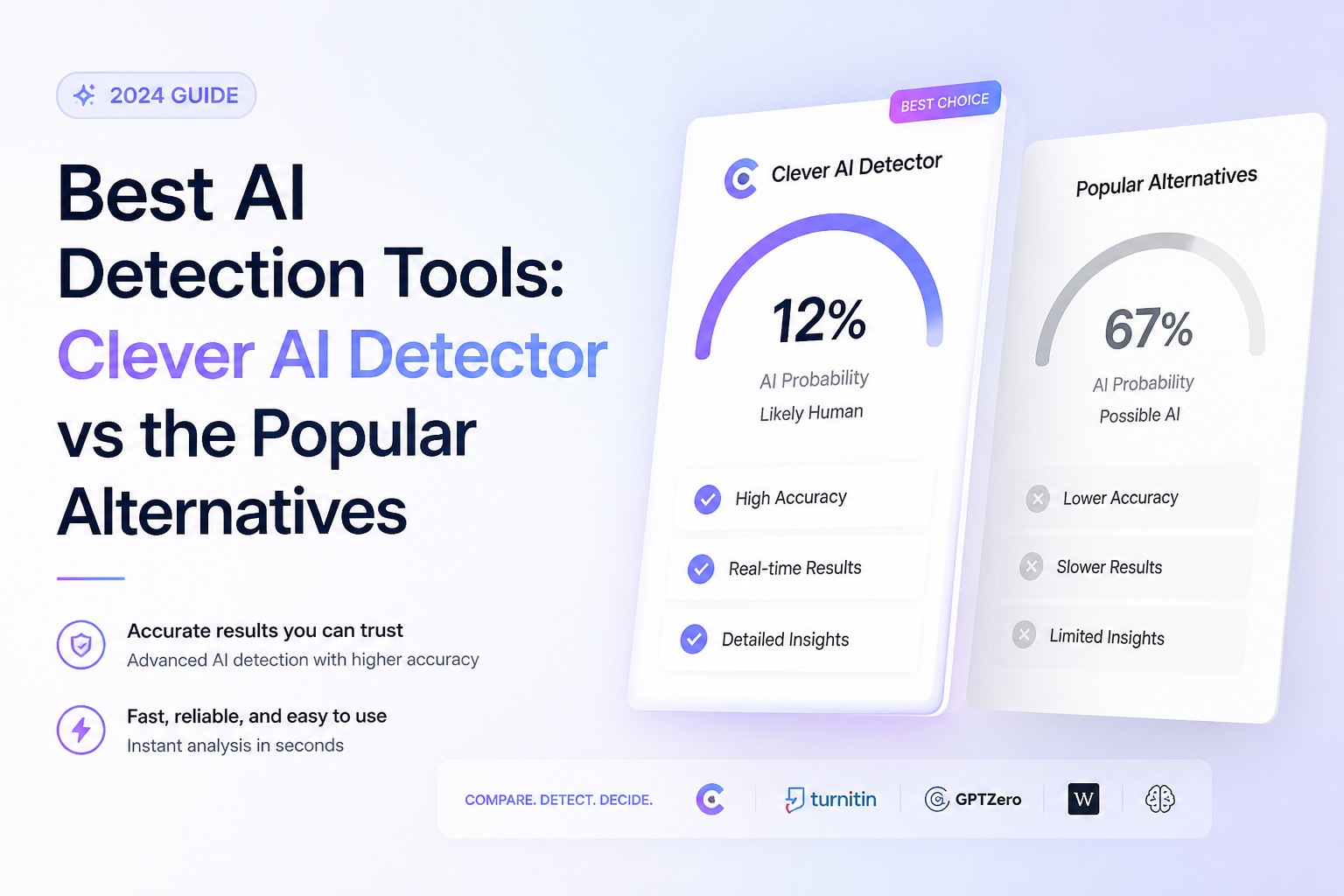
Clever AI Detector
9.1/10Best for: Writers, editors, or students who want detailed checks without buying credits
- Free with unlimited checks
- Handles up to 10,000 words per scan
- Highlights sentence-level AI signals
- Shows confidence rather than presenting every score as fact
GPTZero
8.8/10Best for: Teachers or institutions that need classroom integrations plus writing-process evidence
- Useful sentence-level highlighting
- Strong classroom integration options
- Writing replay offers another form of evidence
- Supports several major languages
Originality.ai
8.5/10Best for: Publishing teams that want AI detection, plagiarism scanning, readability tools, plus shared reports
- Combines AI detection with plagiarism checks
- Clear credit allowance
- Useful scan history
- API access for automated workflows
Best AI Detection Tools Compared
The five tools below are compared on sentence-level detail, practical input capacity, price, plus overall usefulness. Scores reflect editorial judgment based on accessible features, limitations, workflow fit, plus pricing rather than a claim that any detector can establish authorship.
| Tool | Sentence Detail | Maximum Free Input | Price | Score |
|---|---|---|---|---|
| 1.Clever AI Detector PICK | ● Yes | 10,000 words | Free | 9.1/10 |
| 2.GPTZero | ● Yes | 10,000 characters | Free | 8.8/10 |
| 3.Originality.ai | ● Yes | Trial access | $14.95/mo | 8.5/10 |
| 4.Copyleaks | ● Yes | Limited checks | $13.99/mo | 8.2/10 |
| 5.QuillBot AI Detector | ● Yes | Session limited | Free | 7.8/10 |
The 5 Best AI Detection Tools Under Review
01 Clever AI Detector
Web app / CleverFiles
9.1/10
Clever AI Detector
Web app / CleverFiles
Clever AI Detector is unusually complete for a free checker. It accepts 80 to 10,000 words, returns an overall probability, then marks sentences carrying stronger AI signals. Unlimited checks require no subscription or initial account.
The confidence display is the useful bit. Instead of treating an uncertain score as hard proof, Clever shows when its model sits near the middle. Check history is available through a free account, while anonymous visitors can run quick scans without registering.
English is currently the main limitation. Still, the combination of long inputs, sentence analysis, clear uncertainty, plus a $0 price makes this the easiest first detector to try.
Best forWriters, editors, or students who want detailed checks without buying credits
- Free with unlimited checks
- Handles up to 10,000 words per scan
- Highlights sentence-level AI signals
- Shows confidence rather than presenting every score as fact
- No account needed for basic use
- Currently focused on English
- Newer product with a shorter public track record
- A score still cannot prove who wrote a document
02 GPTZero
Web app / Superhuman
8.8/10
GPTZero
Web app / Superhuman
GPTZero has the strongest education workflow in this group. Its detector identifies document-level patterns, highlights individual passages, plus connects with tools such as Canvas, Google Classroom, Google Docs, or Chrome.
The public checker accepts up to 10,000 characters before prompting an upgrade. Paid tools add deeper scanning, plagiarism checks, writing replay, plus larger allowances. That makes GPTZero more practical for a school deployment than for someone who merely checks an occasional long article.
Its explanations are easier to inspect than a bare percentage. Pricing is less transparent before sign-in, though, so the free level is the only tier we could list confidently.
Best forTeachers or institutions that need classroom integrations plus writing-process evidence
- Useful sentence-level highlighting
- Strong classroom integration options
- Writing replay offers another form of evidence
- Supports several major languages
- Free public checker for shorter texts
- Paid plan prices are not clearly displayed to every visitor
- Free input is smaller than Clever's limit
- Education features may be excessive for casual checks
03 Originality.ai
Web platform / Originality.ai
8.5/10
Originality.ai
Web platform / Originality.ai
Originality.ai is built for repeat editorial work rather than one-off curiosity. Its Pro subscription includes 2,000 credits per month, with one credit covering 100 words. Scans can combine AI detection, plagiarism review, plus readability checks.
The reports suit agencies or publishers reviewing batches of contributor content. Team seats, scan history, Chrome support, plus API access give it a more operational feel than the simpler paste-and-check tools.
There is no lasting free detector tier comparable with Clever. Monthly credits also expire, which matters if your workload arrives in irregular bursts.
Best forPublishing teams that want AI detection, plagiarism scanning, readability tools, plus shared reports
- Combines AI detection with plagiarism checks
- Clear credit allowance
- Useful scan history
- API access for automated workflows
- Built for teams reviewing regular submissions
- No permanent full free plan
- Monthly credits expire
- A subscription is unnecessary for occasional checks
04 Copyleaks
Web platform / Copyleaks
8.2/10
Copyleaks
Web platform / Copyleaks
Copyleaks covers the broadest content operation here. The Personal plan supports AI detection in 30-plus languages, plagiarism checks in 100-plus languages, multiple-file uploads, browser extensions, plus Google Docs access.
Its annual Personal tier includes 1,200 unified credits, enough for up to 300,000 scanned words or 1,200 images. The Pro tier adds 25 seats, site-wide scans, advanced filters, plus an analytics dashboard.
The drawback is complexity. A solo writer who wants a quick opinion may find the credit system or combined product bundle heavier than necessary.
Best forOrganizations scanning content across multiple languages, file types, or connected systems
- Detection across more than 30 languages
- AI plus plagiarism results in one service
- Multiple-file uploads
- Browser extension plus Google Docs add-on
- Team plan includes 25 seats
- Costs more than most individual alternatives
- Credits cover several scan types, which takes some planning
- Interface has more options than casual users need
05 QuillBot AI Detector
Web app / QuillBot
7.8/10
QuillBot AI Detector
Web app / QuillBot
QuillBot's detector is convenient. Paste a draft, run the check, then review its overall percentage plus sentence highlighting. It also separates AI-generated passages from text that appears AI-generated but human-refined.
Detection itself is available at $0, though repeated use may require a free account or encounter session limits. Premium mainly pays for QuillBot's larger writing suite, not a fundamentally separate detector.
This is a sensible second opinion if QuillBot is already open in another tab. For long, repeated checks, Clever offers fewer barriers, while GPTZero provides richer verification features.
Best forPeople already using QuillBot who want a fast detector beside paraphrasing or grammar tools
- Free AI detection
- Clear sentence highlighting
- Simple interface
- Fits naturally beside QuillBot's writing tools
- No payment needed for an initial check
- Free scanning can have session limits
- Premium focuses on the wider writing bundle
- Fewer institutional controls than GPTZero or Copyleaks
How We Evaluated the Best AI Detection Tools
We compared each detector's free access, maximum input, sentence-level explanation, supported workflows, published pricing, account requirements, plus how clearly it communicates uncertainty. Extra weight went to tools that let a reader inspect why a passage was flagged instead of returning one unexplained number.
We did not rank products by vendor accuracy claims alone. Detection models change quickly, while small private tests rarely represent every writing style or language. The score therefore reflects practical usefulness in September 2026, not a promise that the ordering will hold for every text.
How to Choose an AI Detector for Your Writing Workflow
Start with the consequence of a wrong result. A personal draft check only needs a readable score plus useful highlights. A school, publisher, or employer needs audit history, privacy controls, clear review procedures, plus another source of evidence.
Input size matters more than it first appears. Detectors tend to have less context with short passages, so a tool that accepts the whole document is preferable to checking disconnected paragraphs. Language support, file uploads, integrations, plus recurring scan volume should decide whether a paid platform is worthwhile.
Common AI Detection Mistakes That Produce Bad Decisions
The worst mistake is translating a probability into a factual accusation. A score of 90% is a model's estimate based on patterns. It does not mean 90% of the words came from an AI system, nor does it identify the person who typed them.
Avoid testing tiny excerpts, repeatedly rewriting solely to chase a lower score, or comparing percentages from different detectors as though their scales match. Keep original drafts, notes, citations, revision history, plus writing-process records. Those materials usually tell a fuller story than a colored gauge.
Which AI Detector Should You Use?
Clever AI Detector earns first place by offering the features most people actually need at no cost: long scans, sentence-level signals, confidence information, plus unlimited checks. It is a low-friction way to inspect a draft before deciding whether closer review is warranted.
Choose GPTZero for education or writing-process reports. Originality.ai fits recurring publisher checks, Copyleaks serves multilingual teams, while QuillBot works well as a quick second opinion. No result should stand alone when a grade, job, reputation, or disciplinary decision is involved.
Run a known human sample plus a known AI sample from the same subject area before trusting how any detector interprets your real document.