Clever AI Detector Review: Can a Free Tool Be This Accurate?
Clever AI Detector gives away features that competing checkers often reserve for paid plans. Its sentence highlights are genuinely useful, though no score should be mistaken for proof of authorship.
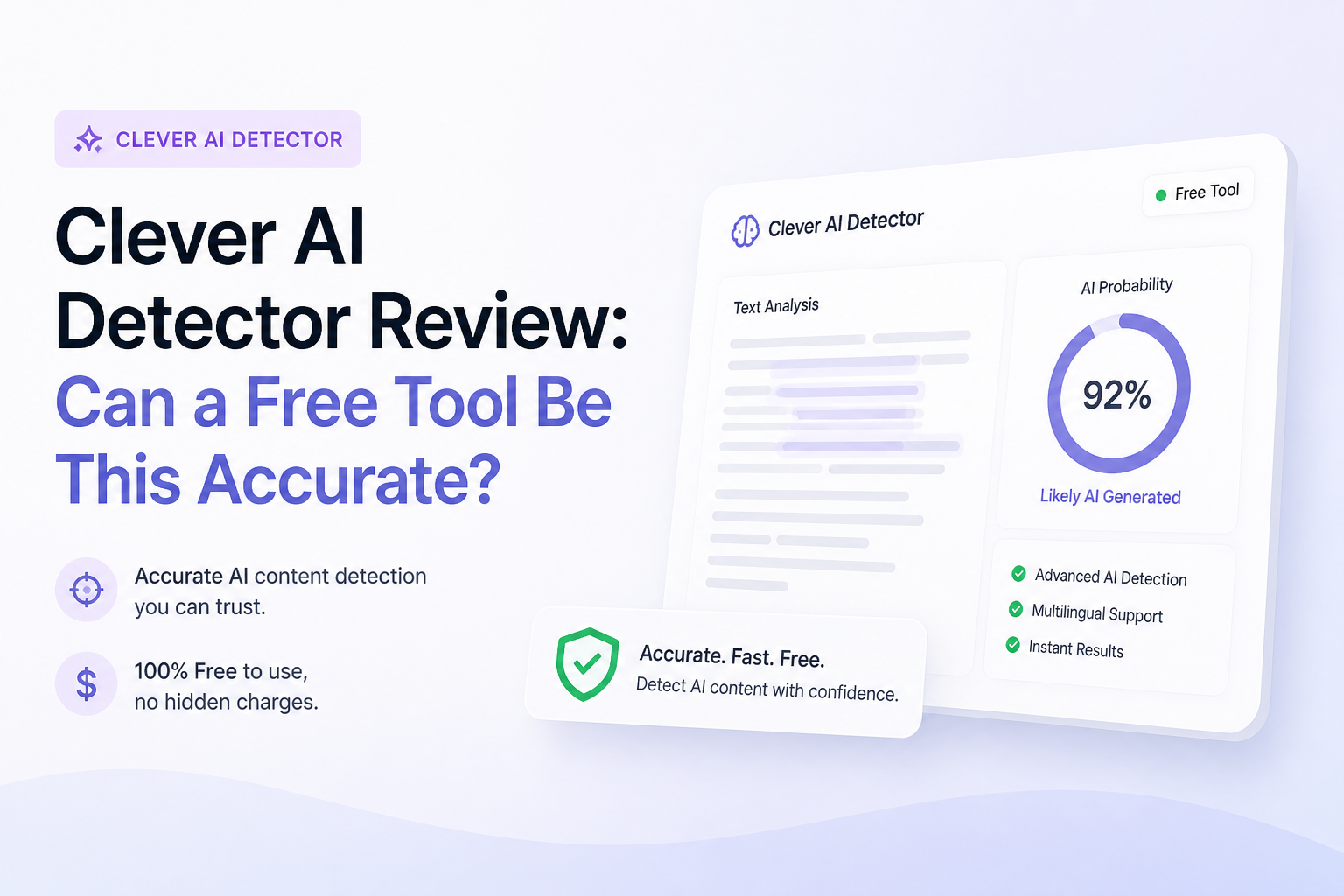
Clever AI Detector is unusually capable for a $0 browser tool. Each scan accepts 80 to 10,000 English words, returns a probability score, then marks sentences carrying stronger AI signals. It works best as a screening aid, not a judge of who wrote something.
Clever AI Detector at a Glance
8.9/10Clever AI Detector is a browser-based checker that estimates whether English text resembles AI-generated writing. It returns a probability score plus sentence-specific signals.
Best forEditors, students, writers, or content teams needing a quick second opinion on English text
- AI probability score
- Sentence-level highlighting
- Confidence indicators
- 10,000 words per check
- Optional check history
- No sign-up needed
- Useful sentence highlights
- Very generous free limit
- English only
- 80-word minimum
- Results cannot prove authorship
How We Tested Clever AI Detector With Human Plus Machine-Written Text
We built a mixed set containing original human passages, untouched chatbot output, lightly revised AI drafts, plus hybrid documents. Samples covered essays, blog copy, workplace writing, product descriptions, plus stiff formal prose. Each piece met the 80-word minimum.
We judged whether obvious cases landed in sensible ranges, how the checker handled uncertain material, whether highlighted sentences were useful, plus whether small edits caused wild swings. Scores weighted detection behavior most heavily, followed by report detail, clarity, workflow, plus cost.
When Clever AI Detector Should Not Make the Decision
Do not use a Clever score by itself to accuse a student, reject a freelancer, discipline an employee, or settle a dispute. The company's own terms describe detector results as statistical estimates. False positives can affect formal, heavily edited, templated, or non-native-English writing.
For consequential cases, compare drafts, revision history, sources, document metadata, plus the writer's explanation. The detector can point toward passages worth discussing. It cannot tell you who pressed the keys.
Clever AI Detector Scores Across Five Review Categories
| Category | Performance | Score |
|---|---|---|
| 01 Detection Quality | 9.1/10 | |
| 02 Sentence-Level Analysis | 9.4/10 | |
| 03 Result Clarity | 8.8/10 | |
| 04 Everyday Workflow | 8.6/10 | |
| 05 Free Access | 9.7/10 |
Clever AI Detector Accuracy, Reports, Limits, Plus Cost in Detail
01 Detection Quality
Strong screening with necessary caveats
9.1/10
Detection Quality
Strong screening with necessary caveats
We checked clearly human passages, untouched AI drafts, lightly edited AI copy, plus polished writing with a formal rhythm. Clever usually separated the obvious cases cleanly. Mixed material produced less decisive scores, which is preferable to false confidence.
The important catch is familiar to every detector: a probability score cannot establish authorship. Formal prose, repeated sentence structures, templates, or non-native English may trigger stronger signals. Clever acknowledges this rather than presenting its output as forensic evidence.
- Separates obvious human plus AI samples well
- Handles edited AI text better than simple phrase matching
- Displays uncertainty rather than claiming certainty
- Works with output from several major AI writing models
- No published false-positive rate for every writing category
- English-only support limits broader use
- Borderline results still require human review
02 Sentence-Level Analysis
The most useful part of each report
9.4/10
Sentence-Level Analysis
The most useful part of each report
A single percentage tells you very little about what caused it. Clever improves the result by marking individual sentences that appear statistically predictable, mechanically paced, or similar to common AI phrasing.
This made revision practical. Instead of rewriting an entire article because it received a high score, we could inspect the strongest signals first. The highlights provide context that the headline number lacks, especially in documents mixing original writing with assisted sections.
- Highlights suspicious passages inside the submitted text
- Makes mixed-authorship documents easier to inspect
- Helps writers spot repetitive rhythm
- Sentence signals are not locked behind payment
- Highlights explain where the signal appears, not exactly why
- Short or highly technical sentences may offer weak evidence
03 Result Clarity
Probability presented without courtroom language
8.8/10
Result Clarity
Probability presented without courtroom language
The report combines an overall AI probability, a confidence indicator, sentence signals, plus the number of sentences analyzed. It is quick to read without flattening every result into a blunt human-or-machine label.
Clever also explains that 90% AI does not mean 90% of the words came from a chatbot. It means the text's statistical profile resembles machine writing. That distinction sounds small, yet it prevents a common misreading of detector scores.
- Clean 0-to-100 probability display
- Confidence cues add needed context
- Copyable report helps with private review notes
- Plain explanation of what the score represents
- A percentage can still look more precise than it really is
- New users may overlook the sentence evidence
04 Everyday Workflow
Fast browser checks with minimal setup
8.6/10
Everyday Workflow
Fast browser checks with minimal setup
The basic process is simple: paste or upload text, run the scan, then review the marked sentences. No account is required for an ordinary check. Each submission must contain at least 80 words, while the upper limit is 10,000 words.
An optional free account saves check history. That is handy when revising a long draft over several passes, though confidential client files or unpublished work should not be uploaded without permission. Redacting names plus sensitive details is the safer habit.
- No account needed for a one-off scan
- Accepts up to 10,000 words per check
- Optional history supports revision tracking
- Paste plus file-upload routes are available
- Cannot meaningfully score snippets below 80 words
- Saved history requires an account
- Sensitive documents need careful handling
05 Free Access
No token counter or trial countdown
9.7/10
Free Access
No token counter or trial countdown
Clever AI Detector currently costs $0. The score, confidence information, sentence highlights, 10,000-word allowance, plus unlimited runs are available without a subscription. There were no ads or paywall prompts blocking the report during review.
This could change if paid plans arrive later. The current terms say the services are free, while leaving room for future subscriptions. For now, the generous allowance makes repeated testing realistic rather than a tiny demo.
- Full detector costs $0
- Unlimited runs under the current offer
- 10,000 words allowed in one check
- No payment required for sentence highlights
- Optional account remains free
- Future paid plans remain possible
- Service availability is not guaranteed
What Clever AI Detector Users Mention Online
One Reddit user called Clever their go-to detector for checking assignments, mainly because repeated scans remain free.
A forum tester liked the simple paste-and-check workflow plus 10,000-word allowance, but warned that convenience should not be confused with proof.
Another commenter noted that strong benchmark performance means less without a clearly reported false-positive rate on genuine human writing.
A forum participant suggested using the highlighted passages for closer review while treating the overall percentage as a screening signal, not an authorship finding.
Is Clever AI Detector Worth Using?
Clever AI Detector is one of the easiest free checkers to recommend for preliminary review. Its 10,000-word allowance, sentence highlights, plus clear uncertainty cues make the output more useful than a bare percentage. Writers or editors should try it, while schools, employers, or clients seeking proof of misconduct should skip detector-only conclusions entirely.
Scan a known human sample from the same writer first, then compare it with the questioned text instead of judging one isolated score.