Disk Image Recovery with Disk Drill: Review 2026
Disk Drill makes a fiddly recovery method feel manageable. Its byte-to-byte backup tool, clear previews, plus broad image support make it a smart first stop for readable but unstable storage.
Disk Drill is one of the easier ways to create a byte-to-byte disk image, then scan that copy instead of repeatedly stressing the original device. The free edition lets you build images, scan them, plus preview results before paying, though substantial recovery usually requires PRO.
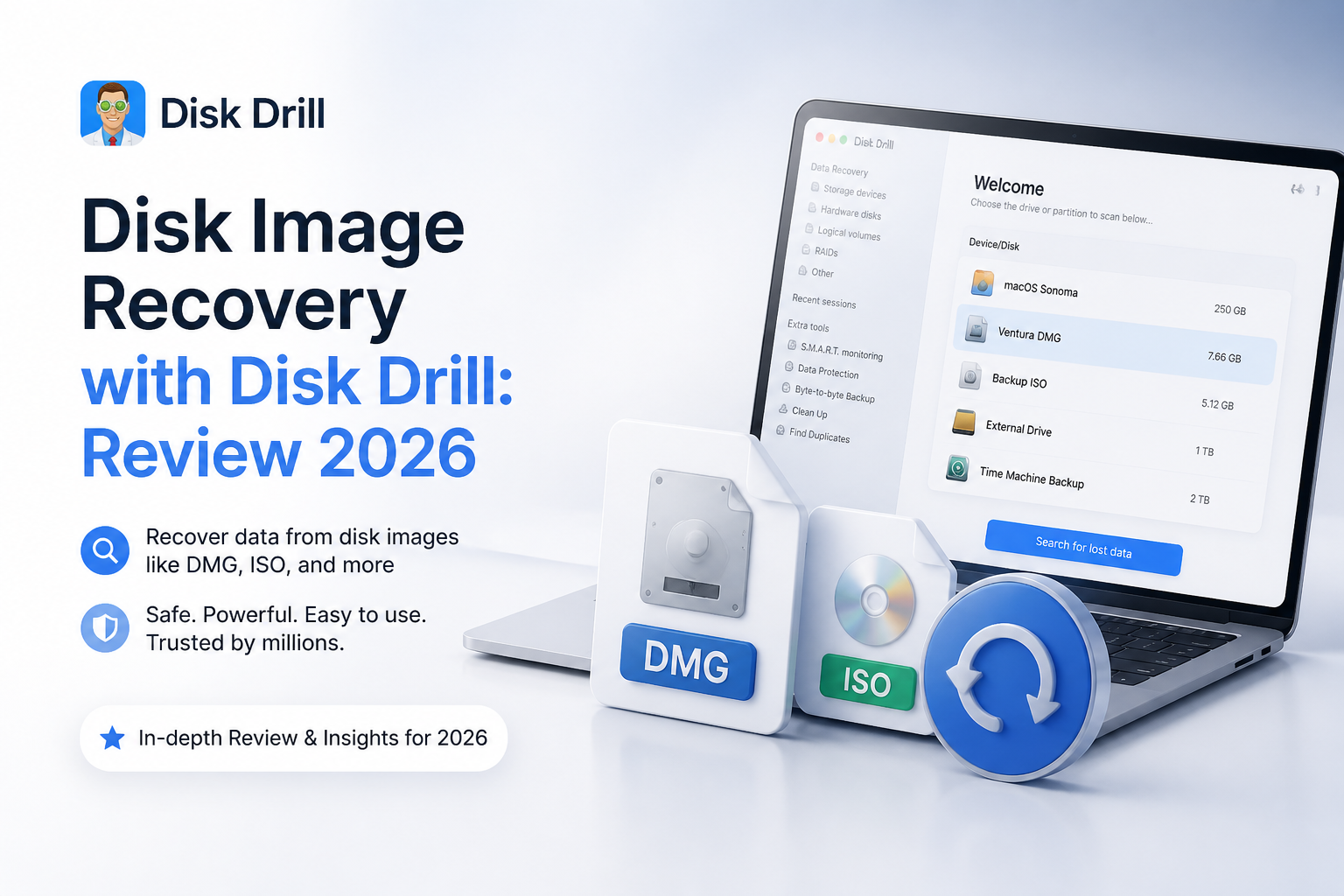
Disk Drill at a Glance
9.1/10Disk Drill is a Windows plus macOS recovery app that scans drives or saved disk images for deleted, inaccessible, formatted, or structurally lost files. Its built-in byte-to-byte tool can copy readable sectors before recovery begins.
Best forHome users recovering photos, video, documents, or folders from a readable SD card, USB drive, external disk, or saved image
- Byte-to-byte disk imaging
- Recovery from saved image files
- File previews plus recovery estimates
- Lost-partition plus signature scanning
- Advanced Camera Recovery
- Free disk-image creation
- Strong preview tools
- Mac plus Windows included
- Large images need substantial spare storage
- Most recovery requires PRO
- Not suitable for severe mechanical failure
Disk Drill Disk Image Recovery Features in Detail
01 Disk Image Workflow
A sensible route for unstable media
9.6/10
Disk Image Workflow
A sensible route for unstable media
Disk Drill’s strongest argument is not simply that it can scan a drive. It can create a sector-level byte-to-byte backup, save that copy as an image, then run recovery against the image rather than repeatedly reading the source.
The workflow is easy to follow: select the physical device, open Byte-to-byte Backup, choose a healthy destination with enough free space, then load the finished image into the recovery screen. A 1 TB source may require roughly 1 TB of destination space, even if the source contains far less ordinary file data.
This is the right habit for questionable SD cards, external drives that disconnect, plus media showing read errors. It does not make a mechanically failing disk safe, though. Clicking, grinding, disappearing devices, or extremely slow reads are reasons to stop.
- Byte-to-byte imaging is available without buying PRO
- Finished images can be scanned without reconnecting the source
- Physical disks are clearly separated from their volumes
- Imaging reduces repeated reads of the original media
- Standard uncompressed images leave room for other recovery tools
- Images can consume as much space as the full source device
- Imaging a large disk can take hours over a slow connection
- Not a replacement for professional hardware imaging

02 Recovery Results
Good tools for several kinds of loss
9.2/10
Recovery Results
Good tools for several kinds of loss
After an image is mounted, Disk Drill offers one main search action rather than making the user pick an algorithm with little context. It looks for existing file-system records, deleted entries, lost partitions, plus recognizable file signatures.
Results are most convincing when original folders, filenames, dates, or working previews survive. Signature-based recovery can still pull useful photos, video, or documents from a damaged file system, but those files may return with generated names or without their old folder layout.
No recovery app can restore sectors that were overwritten, trimmed by an SSD, or physically unreadable. Disk Drill handles the software side well, though success still depends heavily on what happened before the image was made.
- Combines file-system scans with file-signature searches
- Can search RAW or reformatted media images
- Recovery chances help prioritize likely usable files
- Advanced Camera Recovery targets fragmented camera media
- Deep results may lose original filenames or folder structure
- A successful preview does not guarantee every related file is intact
- Encrypted data still requires the proper credentials
04 Device and Format Support
Useful across mixed Windows plus Mac storage
9.1/10
Device and Format Support
Useful across mixed Windows plus Mac storage
Disk Drill runs on current Windows plus macOS systems, with one PRO license covering both platforms. It recognizes common file systems such as NTFS, FAT32, exFAT, APFS, HFS+, EXT, BTRFS, plus ReFS, though the depth of file-system reconstruction can differ by operating system.
Disk-image recovery works with internal disks, USB drives, memory cards, plus other block storage visible to the computer. Disk Drill can also open common raw image containers. This makes it handy when an image was created earlier with Disk Drill, macOS Disk Utility,
dd
, or another compatible imaging utility.
Its biggest limitation is physical access. If the computer cannot detect a device at a hardware level, ordinary recovery software cannot image it.
- Available for Windows plus macOS
- One personal license covers up to three activations
- Broad file-system coverage
- Works with hard drives, SSDs, USB media, plus memory cards
- Includes camera-focused recovery tools
- Platform-specific security permissions can add setup steps
- TRIM sharply limits deleted-file recovery from many SSDs
- Hardware-level failures remain outside its scope
05 Cost and Licensing
Fair lifetime option, restrictive refund terms
8.4/10
Cost and Licensing
Fair lifetime option, restrictive refund terms
Disk Drill Basic costs $0. It can create a byte-to-byte image, scan it, plus preview recoverable files. Windows users may recover up to 100 MB free. The Mac edition generally limits free restoration to specific protected or allocated-data cases.
Disk Drill PRO costs $89 per year or $149 for a lifetime license. Both unlock unlimited personal recovery across Windows plus macOS for one user, with activation on up to three devices. The lifetime option includes future product upgrades.
The free preview is important because PRO purchases are generally non-refundable once delivered, except where consumer law says otherwise. Confirm several important files first, not just one thumbnail.
- Free imaging, scanning, plus file preview
- $149 lifetime license includes future upgrades
- One license covers Mac plus Windows
- Three device activations suit a small personal setup
- The 100 MB Windows allowance is too small for most photo or video jobs
- Mac has no comparable general 100 MB recovery allowance
- Delivered licenses usually cannot be refunded
How We Evaluated Disk Drill for Disk Image Recovery
We evaluated the full image-first workflow rather than scoring Disk Drill only on its main Scan button. The process covered locating a physical device, checking destination-space requirements, creating an uncompressed byte-to-byte image, loading that image, filtering scan results, previewing common files, plus choosing a separate recovery destination.
Scores gave extra weight to steps that reduce risk to the source. We also checked the current Windows plus macOS free limits, annual pricing, lifetime licensing, device activations, upgrade terms, plus the refund policy as of September 10, 2026. We did not assign a universal recovery-rate percentage because results change with overwriting, TRIM, file-system damage, bad sectors, plus the way a device failed.
When Disk Drill Is the Wrong Choice for a Damaged Drive
Disk Drill is meant for storage that remains detectable plus readable enough for software access. Do not keep retrying if a hard drive clicks, scrapes, spins down, vanishes during reads, or slows to a few kilobytes per second. Each power cycle can reduce the chance of a clean professional recovery.
DIY imaging also makes little sense when the only copy contains business records, legal evidence, or irreplaceable family material. A lab can use hardware imagers that skip unstable areas, control retries, plus work around firmware or head problems. Software is cheaper, but the original device may offer only one useful recovery attempt.
Disk Drill for Disk Image Recovery: Scores by Category
| Category | Performance | Score |
|---|---|---|
| 01 Disk Image Workflow | 9.6/10 | |
| 02 Recovery Results | 9.2/10 | |
| 03 Preview and Navigation | 9.0/10 | |
| 04 Device and Format Support | 9.1/10 | |
| 05 Cost and Licensing | 8.4/10 |
What Disk Drill Users Reported
A Reddit user said Disk Drill recovered family photos from an inaccessible SD card in roughly ten minutes after other tools failed to recognize or properly recover the media.
One user reported creating a byte-to-byte backup of a SanDisk external drive, then recovering the data to a new 5 TB disk. They liked the clean interface plus responsive email support.
A verified reviewer said the first attempt failed, but support suggested different parameters. The second attempt produced much better results.
A critical reviewer said the files that looked usable in preview recovered correctly, while other damaged files did not. Their complaint focused on paying before realizing the remaining results were unusable.
Should You Use Disk Drill for Disk Image Recovery?
Disk Drill is an easy recommendation for recoverable software-level data loss, especially if you want to image a questionable drive before searching it. It suits photographers, home users, plus small technical teams that value previews over command-line control.
Skip DIY recovery if the disk clicks, repeatedly disconnects, disappears from system storage tools, or contains irreplaceable data with no second chance. In those cases, unplugging it plus contacting a recovery lab is safer than running another scan.
Create the byte-to-byte image on a different healthy drive, scan the image, then preview several important files from beginning to end before purchasing PRO.