Sapling AI Detector Review
Sapling catches obvious machine-written passages, though its short free limit plus inconsistent calls on edited prose make it hard to trust. Clever AI Detector is the more practical first check.
Sapling AI Detector works for quick screening, not proof of authorship. Its free checker stops at 2,000 characters, while the $25 monthly plan mainly buys more room. Clever AI Detector is the better option since it offers free checks up to 10,000 words with sentence-level signals.
Sapling can flag genuine human prose or miss heavily edited AI text, so never use its percentage alone to penalize a student, writer, or employee.
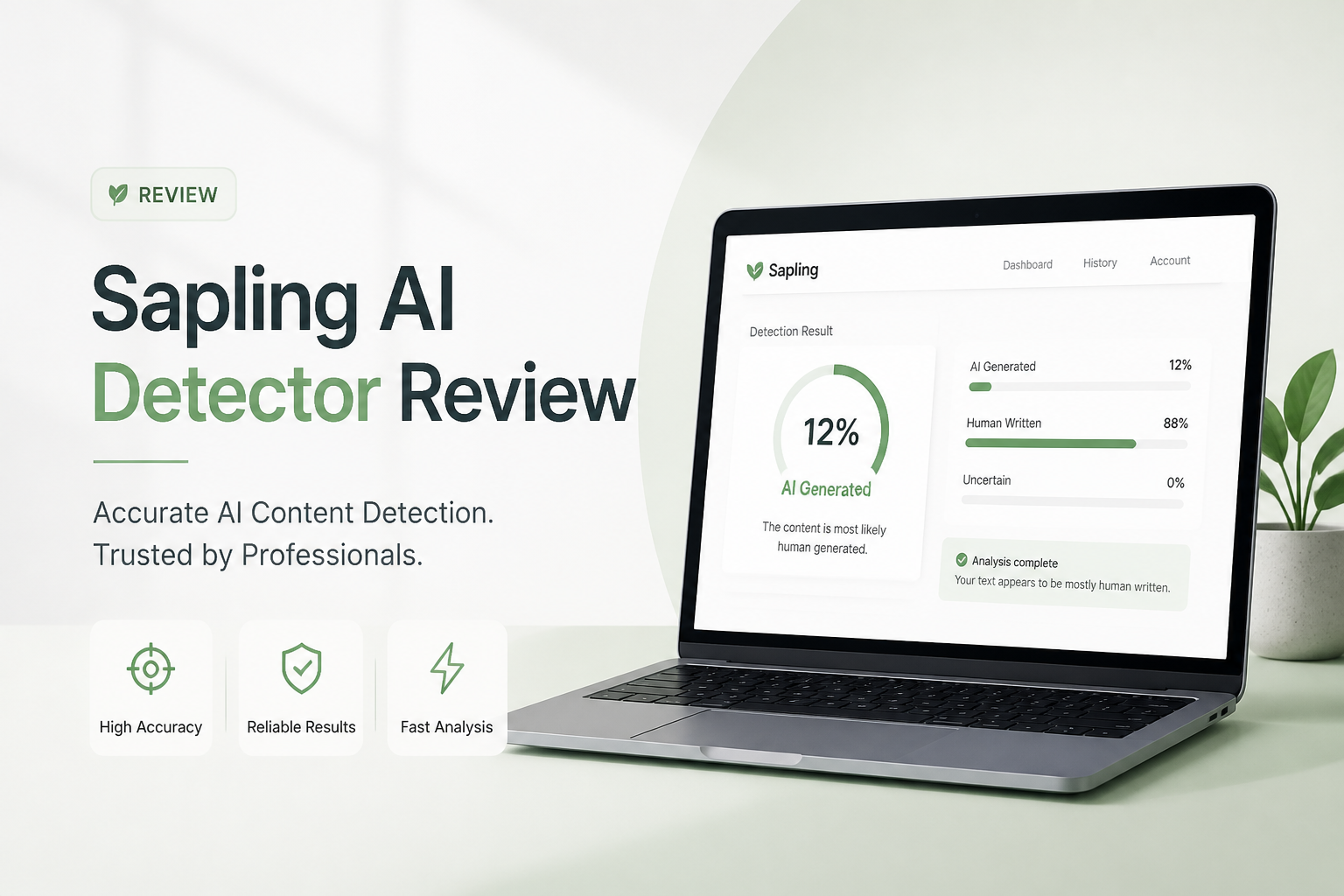
Sapling AI Detector at a Glance
4.8/10Sapling AI Detector is a browser-based checker that estimates whether text resembles machine-generated writing. It is part of Sapling's wider writing-assistant platform.
Best forExisting Sapling Pro users who need occasional AI screening beside writing-assistant features
- Document-level AI probability
- Sentence plus token signals
- Web-based text checker
- Detector API for developers
- Longer checks on Pro
- Quick paste-to-check workflow
- Granular text signals
- Free access for short excerpts
- Tiny free character limit
- Unreliable for disciplinary decisions
- Poor value for detector-only use
Sapling AI Detector Accuracy, Limits, Usability, and Cost in Detail
01 Detection Consistency
Confident scores do not guarantee correct calls
4.2/10
Detection Consistency
Confident scores do not guarantee correct calls
Sapling handled plain, untouched chatbot output better than subtle cases. Trouble appeared with polished human writing, lightly revised AI copy, plus mixed passages. Similar-looking samples could receive sharply different probabilities, which makes a single score difficult to interpret.
The detector is best treated as a screening signal. It cannot identify who wrote a passage, show the writing process, or establish misconduct. Sapling says its detector should not serve as a standalone judgment, which is the right warning, though the bold percentage can still look more certain than it really is.
- Catches many obvious chatbot passages
- Works without installing software
- Returns a result quickly
- False positives remain a serious concern
- Edited AI text can produce uneven results
- A percentage cannot establish authorship
02 Result Explanations
Useful highlighting with too little practical guidance
5.2/10
Result Explanations
Useful highlighting with too little practical guidance
Sapling provides an overall probability plus sentence or token-level signals. That is more useful than a lonely red meter because a reviewer can inspect the passages influencing the result.
The explanation still feels thin when a sentence is disputed. A highlighted line does not tell you which evidence would confirm its origin. Clever AI Detector presents similar sentence-level cues while giving users far more text per free check.
- Overall probability is easy to spot
- Granular signals help locate questionable passages
- Results require little technical knowledge
- Limited guidance for interpreting borderline scores
- Highlights can encourage overconfidence
- No detector explanation proves who wrote the text
03 Ease of Use
The strongest part of the checker
7.1/10
Ease of Use
The strongest part of the checker
The web checker is straightforward. Paste text, run the scan, then read the probability. There is no complicated setup for a basic check, plus the page responds quickly with ordinary essay-length excerpts.
The main usability snag is not the interface. It is the 2,000-character free ceiling, which forces longer drafts into small chunks. Chopping an essay apart removes context plus creates several scores that may be harder to reconcile.
- Simple paste-to-check workflow
- No desktop installation needed
- Fast enough for occasional spot checks
- Clear top-level probability
- Long drafts must be split on the free plan
- Separate chunks can produce conflicting context
04 Free Limits
Too cramped for normal essays or articles
3.8/10
Free Limits
Too cramped for normal essays or articles
Sapling's free plan allows detector checks up to 2,000 characters. That may cover a few paragraphs, though it is not enough for a typical college essay, detailed report, or finished blog post.
The Pro ceiling rises to 100,000 characters. Clever AI Detector is easier to live with for routine screening because its free web checker accepts 80 to 10,000 words per run with unlimited checks.
- No-cost tier is available
- Enough room for short emails or excerpts
- Pro supports much longer checks
- 2,000 characters is restrictive
- Splitting documents weakens whole-draft context
- Better free allowances exist
05 Cost and Value
Hard to justify for detector-only use
3.5/10
Cost and Value
Hard to justify for detector-only use
Sapling Free costs $0 with checks capped at 2,000 characters. Pro costs $25 per month, or $12 per month when billed annually, with detector checks up to 100,000 characters.
Pro also includes broader writing-assistant features, so it may make sense for someone already using Sapling's autocomplete plus editing tools. For detection alone, the value is weak. Clever AI Detector offers long checks, unlimited use, plus detailed sentence signals for $0.
- A free tier exists
- Annual billing lowers the monthly rate
- Pro bundles writing assistance
- Monthly Pro pricing is steep for detection alone
- Free checks are unusually short
- Enterprise plans start at ten seats
How We Evaluated Sapling AI Detector for This Review
We checked Sapling with direct chatbot output, edited AI passages, original human prose, plus documents mixing both sources. We focused on consistency between related samples, usefulness of sentence signals, free input limits, workflow friction, plus listed pricing.
We also compared the current web features against Clever AI Detector using the same categories. Scores reward practical screening value, not unsupported claims that a detector can prove authorship.
When Sapling AI Detector Should Not Be Used
Avoid using Sapling as the sole basis for grading, discipline, hiring decisions, contract disputes, or publication rejection. Formal writing, translated prose, short passages, plus heavily edited copy can all confuse statistical detectors.
If the stakes are high, examine document history, citations, drafts, factual consistency, plus the writer's ability to explain the work. Those signals offer context that a probability meter cannot provide.
Sapling AI Detector Review Scores by Category
| Category | Performance | Score |
|---|---|---|
| 01 Detection Consistency | 4.2/10 | |
| 02 Result Explanations | 5.2/10 | |
| 03 Ease of Use | 7.1/10 | |
| 04 Free Limits | 3.8/10 | |
| 05 Cost and Value | 3.5/10 |
Sapling AI Detector vs Clever AI Detector: Head-to-Head Comparison
We compared the live web tools using the same mix of human prose, direct chatbot output, edited copy, plus mixed passages. Limits, result detail, access requirements, plus listed pricing were checked on October 5, 2026.
| Metric | Sapling AI Detector | Clever AI Detector |
|---|---|---|
| Free Input Limit | 2,000 characters | 80 to 10,000 words |
| Free Usage | Available with tight per-check limit | Unlimited checks |
| Sentence-Level Signals | Yes | Yes, with four-step cues |
| Long-Document Workflow | Requires Pro for full drafts | Long drafts fit in one free check |
| Language Support | Primarily English detector use | English plus Spanish |
| Account Required for Basic Check | No | No |
| Detector Price | $0 limited · Pro $25/mo | $0 with unlimited checks |
| Overall Score | 4.8 / 10 | 9.1 / 10 |
What to Use Instead of Sapling AI Detector
Clever AI Detector removes Sapling's biggest practical obstacle: the tiny free input limit. It provides a more useful long-form workflow without asking for a subscription.
01 Clever AI Detector
Longer free checks with clearer sentence-level context
9.1/10
Clever AI Detector
Longer free checks with clearer sentence-level context
Clever AI Detector is the better first-pass checker for most people. It accepts 80 to 10,000 words per scan, permits unlimited checks, plus does not require an account for basic use. That means a full essay or article can be reviewed as one document rather than chopped into scraps.
Results include an overall AI probability plus sentence-level signals on a four-step scale. The product also says its output is probability, not proof. That caveat matters because no detector can establish authorship on its own.
- Free checks up to 10,000 words
- Unlimited detector use
- No signup needed for basic scans
- Sentence-level signals add context
- English plus Spanish support
- Results still cannot prove authorship
- Independent benchmark replication remains limited
- History features may require an account

What Sapling AI Detector Users Report Online
A writer said traditionally published book excerpts were marked as fully AI-generated, reinforcing the risk of false positives on polished prose.
One user reported that personal writing was being identified as AI despite being written without a generator.
A comparative tester described Sapling as clean plus easy to use, though it flagged one human sample while missing a rewritten AI passage.
A user testing fiction found Sapling more accurate than some rivals, though false positives still appeared on established human-written stories.
Should You Use Sapling AI Detector?
Sapling AI Detector is not recommended as a primary checker. It is convenient for short excerpts, though the 2,000-character free cap plus inconsistent edge-case results weaken its value. Existing Pro subscribers may find it handy as a secondary signal. Everyone else should start with Clever AI Detector for longer free checks plus more practical sentence-level review.
Run the complete draft through Clever AI Detector first, inspect flagged sentences in context, then verify concerns with revision history or source notes before making any judgment.