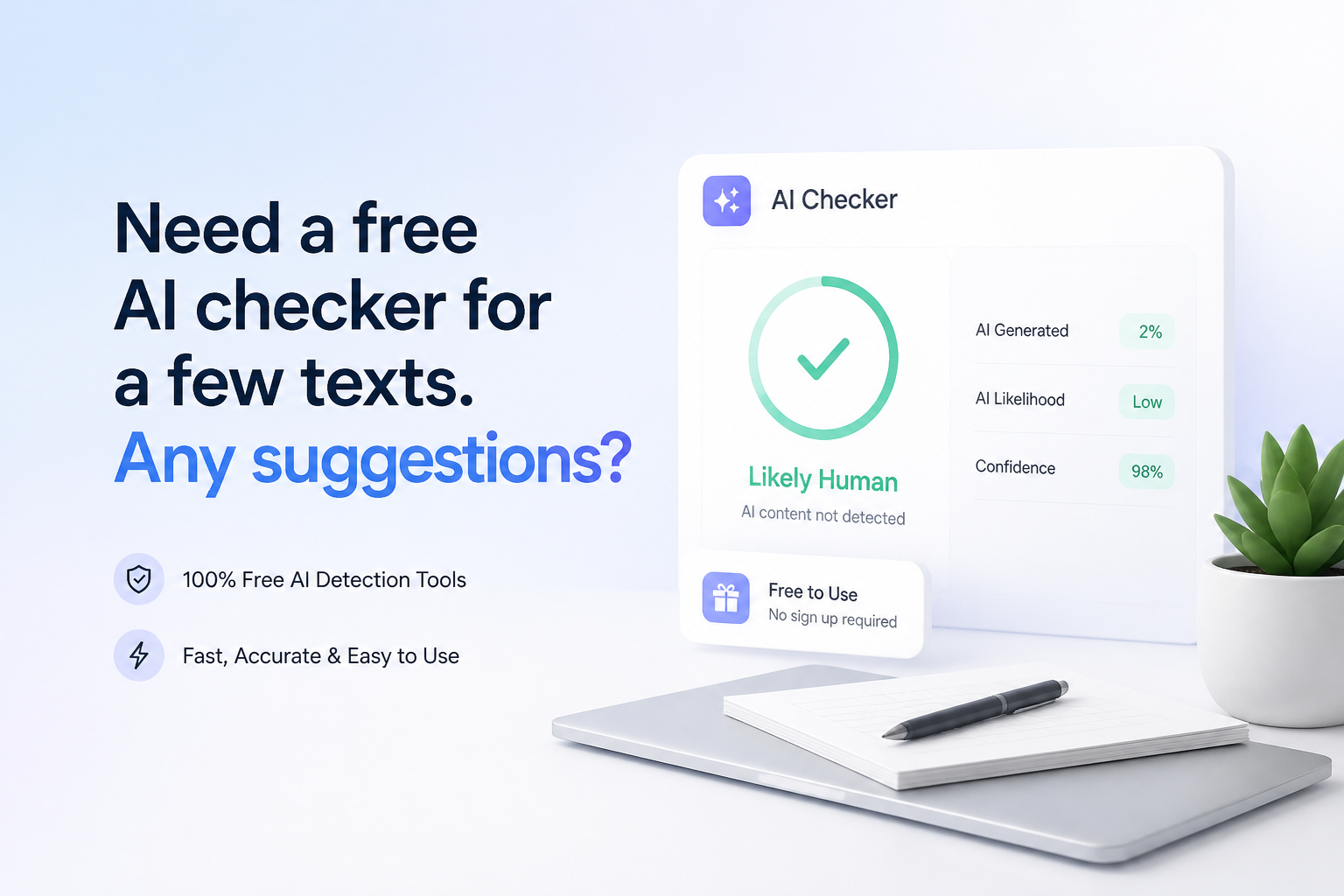
Need a free AI checker for a few texts. Any suggestions?
For a handful of texts, skip subscriptions at first. These five checkers offer useful free scans, though none can prove who wrote a passage.
Clever AI Detector
9.2/10Best for: Writers checking several short articles, essays, emails, or client drafts without creating an account
- Free with no stated monthly allowance
- Handles up to 10,000 words in one check
- No account required for basic scans
- Highlights sentence-level signals
QuillBot AI Detector
8.5/10Best for: Students or casual users who already keep QuillBot open for writing tasks
- AI detection costs nothing
- Single-file uploads are available to free users
- Familiar interface for existing QuillBot users
- Useful as a quick second opinion
GPTZero
8.3/10Best for: Teachers, editors, or writers who want deeper passage highlighting from a familiar detection platform
- Detailed passage-level highlighting
- Large single-request character limit
- Free plan needs no credit card
- Multilingual detection is available
Free AI Checkers for Text Compared
Here is how the five tools compare on free input size, sentence-level detail, price, plus overall usefulness. Scores reflect editorial judgment based on published limits, result clarity, access friction, plus suitability for occasional checks rather than a universal accuracy benchmark.
| Tool | Free Input Limit | Sentence Detail | Price | Score |
|---|---|---|---|---|
| 1.Clever AI Detector PICK | 10,000 words | ● Yes | $0 | 9.2/10 |
| 2.QuillBot AI Detector | Free checks | ● Yes | $0 | 8.5/10 |
| 3.GPTZero | 10,000 words/mo | ● Yes | $0 | 8.3/10 |
| 4.Grammarly AI Detector | 10,000 characters | ● No | $0 | 8.0/10 |
| 5.Sapling AI Detector | 2,000 characters | ● Yes | $0 | 7.6/10 |
The 5 Best Free AI Checkers for Text, Reviewed
01 Clever AI Detector
Browser-Based Checker / Clever Humanizer
9.2/10
Clever AI Detector
Browser-Based Checker / Clever Humanizer
Clever AI Detector is the easiest fit for this particular job: checking a few texts without meeting a tiny free quota. It accepts 80 to 10,000 words per run, permits unlimited checks, plus works without registration. The result includes an overall probability, confidence indicator, plus sentence-level signals rather than a bare pass-or-fail label. (cleverhumanizer.ai)
The interface also gets an important detail right. It describes the score as probability, not proof. That distinction matters because polished human prose, formal essays, or writing from non-native English speakers can trigger false positives. English is currently the stated language, so this is less suitable for multilingual batches.
Best forWriters checking several short articles, essays, emails, or client drafts without creating an account
- Free with no stated monthly allowance
- Handles up to 10,000 words in one check
- No account required for basic scans
- Highlights sentence-level signals
- Explains results as probabilities rather than proof
- English-only detection
- Texts under 80 words cannot be checked
- Optional history requires an account

02 QuillBot AI Detector
Web Checker / QuillBot
8.5/10
QuillBot AI Detector
Web Checker / QuillBot
QuillBot is a sensible second stop when you want another opinion on a passage. Its AI detector is free, while Premium mainly changes file-upload convenience. Free users may upload one file at a time, compared with batches of up to 20 files for Premium users. (help.quillbot.com)
The uncluttered workflow suits occasional checks. Paste a draft, review the score, then compare it with the result from another detector. Its main drawback here is that QuillBot does not offer the same unusually generous, clearly stated 10,000-word-per-check allowance as the winner.
Best forStudents or casual users who already keep QuillBot open for writing tasks
- AI detection costs nothing
- Single-file uploads are available to free users
- Familiar interface for existing QuillBot users
- Useful as a quick second opinion
- Batch file uploads require Premium
- Free-plan limits may shift by feature
- Results should not be treated as authorship proof
03 GPTZero
Web Platform / GPTZero
8.3/10
GPTZero
Web Platform / GPTZero
GPTZero provides document, sentence, plus word-level signals, making it more useful than a simple percentage meter. A free account can process text up to 150,000 characters in one request, though the monthly free allowance is listed as 10,000 words. (gptzero.me)
That setup works well for one long document, but repeated checks can exhaust the monthly allowance. GPTZero also offers multilingual detection plus writing feedback. The interface has more layers than Clever or QuillBot, which may feel excessive if you only have two short paragraphs to inspect.
Best forTeachers, editors, or writers who want deeper passage highlighting from a familiar detection platform
- Detailed passage-level highlighting
- Large single-request character limit
- Free plan needs no credit card
- Multilingual detection is available
- Suitable for longer academic-style documents
- Free use is capped at 10,000 words per month
- An account is needed for expanded free capacity
- More complex than necessary for tiny checks
04 Grammarly AI Detector
Browser Checker / Grammarly
8.0/10
Grammarly AI Detector
Browser Checker / Grammarly
Grammarly’s public checker handles up to 10,000 characters per scan, enough for a few pages of ordinary prose. It returns a percentage estimate through a familiar interface, so existing Grammarly users face almost no learning curve. (grammarly.com)
The free checker is useful for a fast comparison, but richer passage explanations sit inside paid Grammarly products. Grammarly itself cautions that the percentage is not objective proof. Short passages are also harder for its model to judge reliably. (support.grammarly.com)
Best forWriters who want a quick AI estimate beside their usual grammar workflow
- Free public checker
- 10,000-character input allowance
- Very simple for existing Grammarly users
- Clear percentage-based result
- Detailed detection features require a paid plan
- Character limit is smaller than Clever's word limit
- English content is the main focus
05 Sapling AI Detector
Web Tool / Sapling
7.6/10
Sapling AI Detector
Web Tool / Sapling
Sapling’s free detector covers the first 2,000 characters of a text. That is restrictive for essays, though perfectly workable for an email, opening paragraph, or short website section. Pro raises the allowance to 100,000 characters per check. (sapling.ai)
The tool displays local signals beside its overall score, which helps you inspect suspicious sections. Sapling also explicitly warns that false positives plus false negatives can occur. For a few longer texts, repeatedly splitting material into chunks becomes tedious.
Best forUsers checking emails, introductions, product copy, or other compact passages
- No-cost checks for compact passages
- Local text highlights are included
- PDF plus DOCX checking is supported
- Clear published limits
- Free checks stop at 2,000 characters
- Long documents require manual splitting
- Pro costs more than casual users need
How We Compared These Free AI Checkers for Text
We reviewed each tool’s current free access, maximum input size, sign-up requirements, result detail, file support, plus published pricing as of September 24, 2026. The ranking favors tools that let an occasional user check several ordinary texts without splitting them into tiny pieces or entering payment details.
Accuracy claims were not treated as directly comparable because providers use different datasets, thresholds, text lengths, plus definitions of a correct result. Scores here measure practical value for the stated task, not certainty about authorship.
How to Choose a Free AI Checker for Essays, Emails, or Articles
Start with input size. A 2,000-character checker is fine for an email but awkward for a 1,500-word essay. Next, look for sentence-level indicators. A single percentage gives you little context, while highlighted passages let you inspect what may have triggered the model.
Also check whether the tool stores submissions, requires an account, supports your language, or limits monthly use. Avoid uploading confidential client material, unpublished research, private student records, or sensitive workplace documents until you have read the service’s privacy terms.
Common Mistakes to Avoid With Free AI Text Detectors
The biggest mistake is treating a high score like a confession. Detection tools estimate patterns. They do not observe the writing process. Formal structure, repeated terminology, careful grammar, plus short samples can distort a result.
Do not rewrite honest work solely to satisfy one checker. Save outlines, source notes, document history, plus earlier drafts instead. Those records usually provide stronger authorship context than competing percentages from several black-box models.
Which Free AI Checker Should You Use?
Clever AI Detector is the practical first choice for a few texts because its free allowance is generous, the scan needs no registration, plus sentence signals make the percentage easier to inspect. QuillBot is a handy second opinion, while GPTZero offers deeper review tools for longer or higher-stakes documents.
Grammarly makes sense if it already sits in your writing routine. Sapling is better reserved for short snippets. Whichever tools you choose, compare at least two results before drawing conclusions.
Run each full text through Clever first, check any surprising result with QuillBot or GPTZero, then review the highlighted passages yourself.