Best RAID Recovery Software in 2026
RAID recovery ranges from one-click metadata detection to painstaking manual reconstruction. These five tools cover both ends, with Disk Drill offering the most approachable starting point.
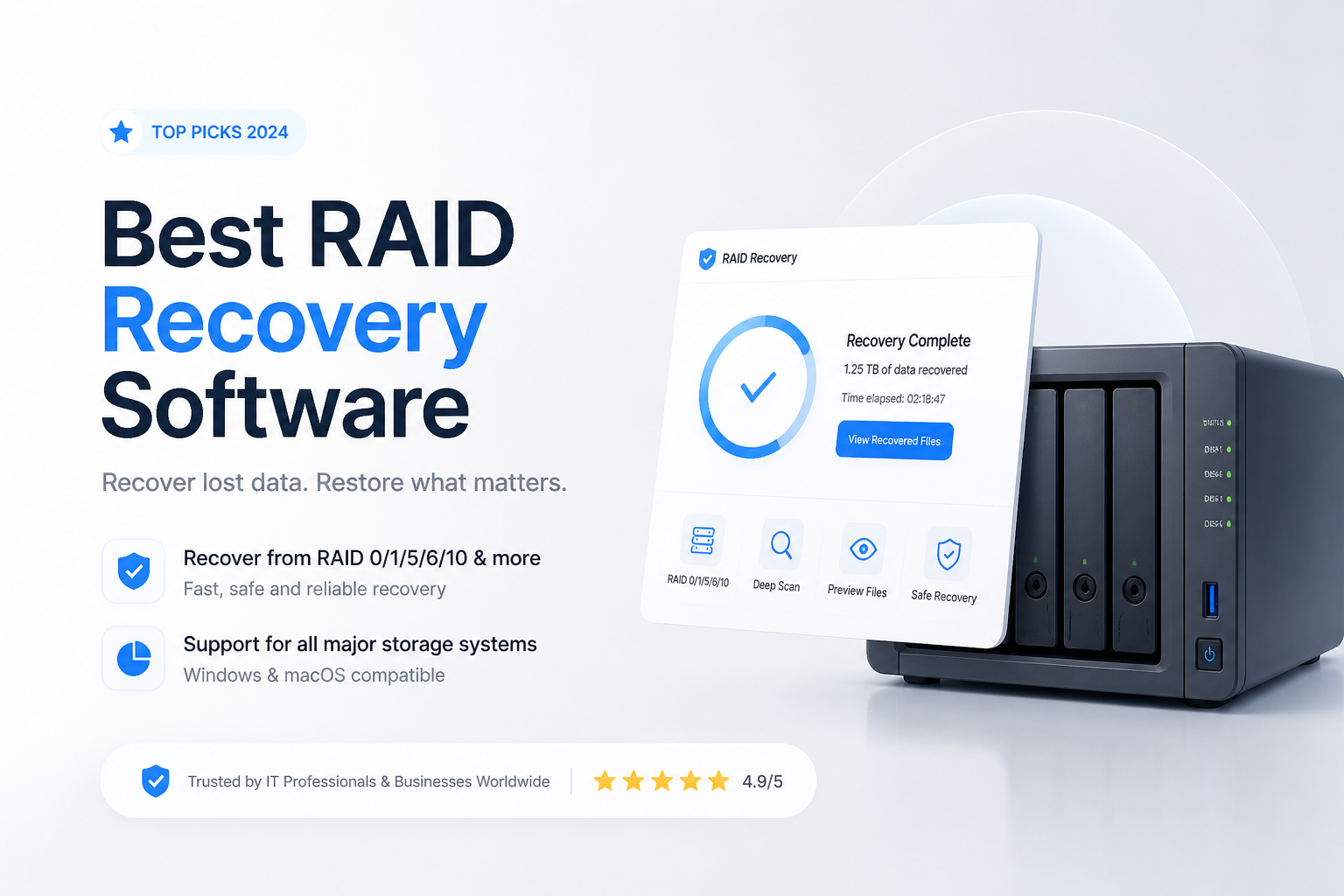
Disk Drill
9.1/10Best for: Home users or small IT teams facing a failed NAS, software RAID, Storage Spaces volume, or SHR array
- Automatic reconstruction for common RAID, Storage Spaces, BTRFS RAID, plus SHR layouts
- Friendly interface with previews, search filters, plus recovery-chance estimates
- Byte-to-byte imaging helps reduce repeated reads from unstable member disks
- One license covers Windows plus macOS on up to three devices
UFS Explorer RAID Recovery
8.9/10Best for: Technical users rebuilding Synology, QNAP, Drobo, RAID-Z, nested RAID, or metadata-damaged arrays
- Broad support for standard, nested, vendor-specific, plus software-defined arrays
- Automatic metadata detection paired with a capable manual RAID Builder
- Bad-sector maps can guide adaptive reconstruction around damaged regions
- Available for Windows, macOS, plus Linux
R-Studio
8.6/10Best for: Experienced technicians who want detailed RAID parameters, reverse scans, imaging, plus a hex editor
- Strong manual RAID reconstruction controls
- Automatic parameter detection helps narrow uncertain layouts
- Built-in disk imaging, S.M.A.R.T. monitoring, plus hex editing
- Supports local disks, network clients, plus numerous file systems
Best RAID Recovery Software Compared
This table compares automatic array detection, manual reconstruction, license pricing, plus our overall score. The scores reflect editorial judgment across usability, layout coverage, preview tools, imaging, plus value rather than a universal recovery-rate benchmark.
| Tool | Auto RAID | Manual Builder | Price | Score |
|---|---|---|---|---|
| 1.Disk Drill PICK | ● Yes | ● No | $89/yr | 9.1/10 |
| 2.UFS Explorer RAID Recovery | ● Yes | ● Yes | $149.95 one-time | 8.9/10 |
| 3.R-Studio | ● Yes | ● Yes | $79.99 one-time | 8.6/10 |
| 4.ReclaiMe File Recovery Ultimate | ● Yes | ● Yes | $189.95 one-time | 8.2/10 |
| 5.DMDE | ● Yes | ● Yes | $48 one-time | 7.9/10 |
The 5 Best RAID Recovery Software Tools, Reviewed
01 Disk Drill
Windows 10+ / macOS 10.15+ · CleverFiles
9.1/10
Disk Drill
Windows 10+ / macOS 10.15+ · CleverFiles
Disk Drill earned the lead because its RAID workflow is much easier to follow than the specialist tools below. It can automatically identify supported Linux RAID, Windows RAID, Storage Spaces, macOS RAID, BTRFS RAID, plus Synology SHR layouts. In our scoring, its clear device tree, file previews, recovery-chance labels, plus guided scanning outweighed the lack of a manual RAID builder.
The main limitation is control. Disk Drill currently focuses on automatic reconstruction, so unusual controller layouts or arrays with missing metadata may need R-Studio, UFS Explorer, or DMDE instead. The free edition lets you inspect results before paying, while Windows permits up to 100 MB of free recovery. PRO covers one user on three devices across Windows plus macOS.
Best forHome users or small IT teams facing a failed NAS, software RAID, Storage Spaces volume, or SHR array
- Automatic reconstruction for common RAID, Storage Spaces, BTRFS RAID, plus SHR layouts
- Friendly interface with previews, search filters, plus recovery-chance estimates
- Byte-to-byte imaging helps reduce repeated reads from unstable member disks
- One license covers Windows plus macOS on up to three devices
- Useful beyond RAID recovery for damaged partitions, memory cards, plus external disks
- No full manual RAID parameter builder yet
- Annual plan costs more than R-Studio or DMDE
- A successful preview does not guarantee every recovered file will remain intact

02 UFS Explorer RAID Recovery
Windows · macOS · Linux · SysDev Laboratories
8.9/10
UFS Explorer RAID Recovery
Windows · macOS · Linux · SysDev Laboratories
UFS Explorer RAID Recovery is the stronger choice once an array moves beyond a normal home setup. It supports standard levels such as RAID 0, 1, 5, 6, plus 10, while also covering RAID 50, RAID 60, RAID-Z, Synology SHR, Drobo BeyondRAID, BTRFS RAID, plus thin-provisioned LVM. Its manual builder exposes member order, stripe size, parity rotation, offsets, plus nested layouts.
That depth comes with a steeper learning curve. The interface expects some storage knowledge, especially when metadata is absent. Its trial can assemble arrays, scan volumes, preview files, plus save individual files up to 768 KB. The $149.95 personal license is perpetual, though it applies to one operating-system family.
Best forTechnical users rebuilding Synology, QNAP, Drobo, RAID-Z, nested RAID, or metadata-damaged arrays
- Broad support for standard, nested, vendor-specific, plus software-defined arrays
- Automatic metadata detection paired with a capable manual RAID Builder
- Bad-sector maps can guide adaptive reconstruction around damaged regions
- Available for Windows, macOS, plus Linux
- Trial permits unrestricted RAID assembly plus disk imaging
- More intimidating than Disk Drill or ReclaiMe
- Personal license covers only one operating-system family
- Trial file-saving limit is too small for most real recovery jobs
03 R-Studio
Windows · macOS · Linux · R-Tools Technology
8.6/10
R-Studio
Windows · macOS · Linux · R-Tools Technology
R-Studio sits between consumer recovery apps plus forensic-style suites. Its virtual array tools cover RAID 0, 1, 4, 5, 6, 10, 50, 60, plus several less-common parity layouts. Automatic parameter detection can provide a starting point, while manual controls let experienced users correct disk order, offsets, stripe size, plus parity behavior.
At $79.99 for the main single-platform edition, it offers unusually deep RAID controls for the money. The tradeoff is a dense interface with many panels, object types, plus scan options. Its demo can scan or preview broadly, though recovery is limited to files smaller than 1 MB.
Best forExperienced technicians who want detailed RAID parameters, reverse scans, imaging, plus a hex editor
- Strong manual RAID reconstruction controls
- Automatic parameter detection helps narrow uncertain layouts
- Built-in disk imaging, S.M.A.R.T. monitoring, plus hex editing
- Supports local disks, network clients, plus numerous file systems
- Lower entry price than UFS Explorer RAID Recovery
- Interface takes time to learn
- Each desktop platform requires its own license
- Demo recovery limit is suitable mainly for validation
04 ReclaiMe File Recovery Ultimate
Windows host · ReclaiMe
8.2/10
ReclaiMe File Recovery Ultimate
Windows host · ReclaiMe
ReclaiMe takes an unusual two-part approach. Its free RAID utility identifies member order, block size, start offset, data sequence, plus parity rotation for common RAID 0, 5, 6, 10, plus JBOD arrangements. The reconstructed array can then open in ReclaiMe File Recovery for scanning, previewing, plus file export.
The Ultimate edition is the sensible version for NAS work because it reads EXT, XFS, BTRFS, APFS, HFS+, plus common Windows file systems. It runs only on Windows, even when the source disks came from Linux or macOS. The lifetime Ultimate license costs $189.95, while a 7-day license costs $119.95.
Best forWindows users recovering Linux-based NAS disks without learning a dense forensic interface
- Simple recovery interface compared with most RAID-focused tools
- Free companion utility discovers many common RAID parameters
- Good filesystem coverage for Synology, QNAP, NETGEAR, plus similar NAS units
- Preview becomes available before the scan fully finishes
- Lifetime license includes updates plus support
- Recovery application runs only on Windows
- RAID reconstruction may require a separate companion utility
- RAID 50, RAID 60, RAID-Z, plus some proprietary layouts need other software
05 DMDE
Windows · macOS · Linux · DOS · DMDE Software
7.9/10
DMDE
Windows · macOS · Linux · DOS · DMDE Software
DMDE packs a surprising amount of RAID capability into a small portable application. Its constructor supports RAID 0, 1, 4, 5, 6, custom striping, delayed parity, plus spanned disks. Automatic configuration detection can help with normal layouts, while direct access to offsets, sectors, partitions, plus disk structures suits careful manual work.
The interface is compact rather than welcoming. A wrong selection can send an inexperienced user into raw disk structures with little context. Still, the free edition can recover up to 4,000 files from one selected directory per request, with no limit on repeated requests. Standard costs only $48 as a perpetual single-OS license.
Best forPatient technical users who need a low-cost RAID constructor, disk editor, plus generous free recovery
- Lowest paid price in this shortlist
- RAID constructor is available in the free edition
- Free recovery allowance is useful for folder-level rescues
- Portable app requires no conventional installation
- Disk cloning plus direct sector tools help with difficult cases
- Interface uses technical language with limited hand-holding
- Bulk recovery across many folders requires a paid edition
- Fewer polished NAS-specific workflows than Disk Drill or UFS Explorer
How We Evaluated the Best RAID Recovery Software
We compared each tool using the same practical criteria: supported RAID levels, automatic metadata detection, manual reconstruction options, disk-image handling, filesystem coverage, preview quality, trial restrictions, plus licensing cost. Extra weight went to software that lets a user validate files before payment.
Usability mattered, though it did not replace technical range. A simple app lost points if it could not handle missing metadata, while a deep tool lost points if routine recovery required too much guesswork. Scores describe overall usefulness for logical RAID failure. They do not predict results from physically damaged disks.
How to Choose RAID Recovery Software for a Failed Array
Start with the array type, not the software brand. A normal RAID 5 with intact metadata may reconstruct automatically. RAID-Z, SHR, BeyondRAID, Storage Spaces, nested arrays, or controller-specific layouts need explicit support. If metadata is missing, look for a manual builder with disk-order, stripe-size, offset, parity-delay, plus rotation controls.
Check the filesystem too. Rebuilding the virtual array is only half the job. The software must also read the NTFS, ReFS, EXT4, BTRFS, XFS, APFS, ZFS, or other filesystem stored on top. A previewable folder tree with correct filenames is a better purchase signal than a large raw-file count.
Common RAID Recovery Mistakes That Can Make Data Loss Worse
The most dangerous mistake is letting the NAS or controller rebuild before the failure is understood. A rebuild writes across the array, so using the wrong replacement disk or member order can destroy recoverable parity data. Initializing a disk, formatting a volume, running CHKDSK, or creating a new storage pool can cause similar damage.
Keep every drive labeled by its original bay. Connect members through stable SATA ports where possible, create sector-level images of weak disks, then perform reconstruction from those images. Recovered files must go to separate storage with enough free capacity for the full dataset.
Which RAID Recovery Software Should You Use?
Disk Drill earns the top position because it makes supported RAID recovery understandable without stripping away imaging, previews, or filesystem coverage. It is a good first scan for ordinary NAS failures, Storage Spaces issues, plus software arrays with readable metadata.
UFS Explorer RAID Recovery offers far more manual control for obscure layouts, while R-Studio balances technical depth with a lower price. ReclaiMe suits Windows users who want a simpler NAS process. DMDE is the value pick if cost matters more than interface comfort.
Image questionable member disks first, label their bay order, then compare preview quality in two suitable tools before buying a license or exporting any files.