R-Studio vs Disk Drill: Best tool to Recover Data from Mac Hard Drive
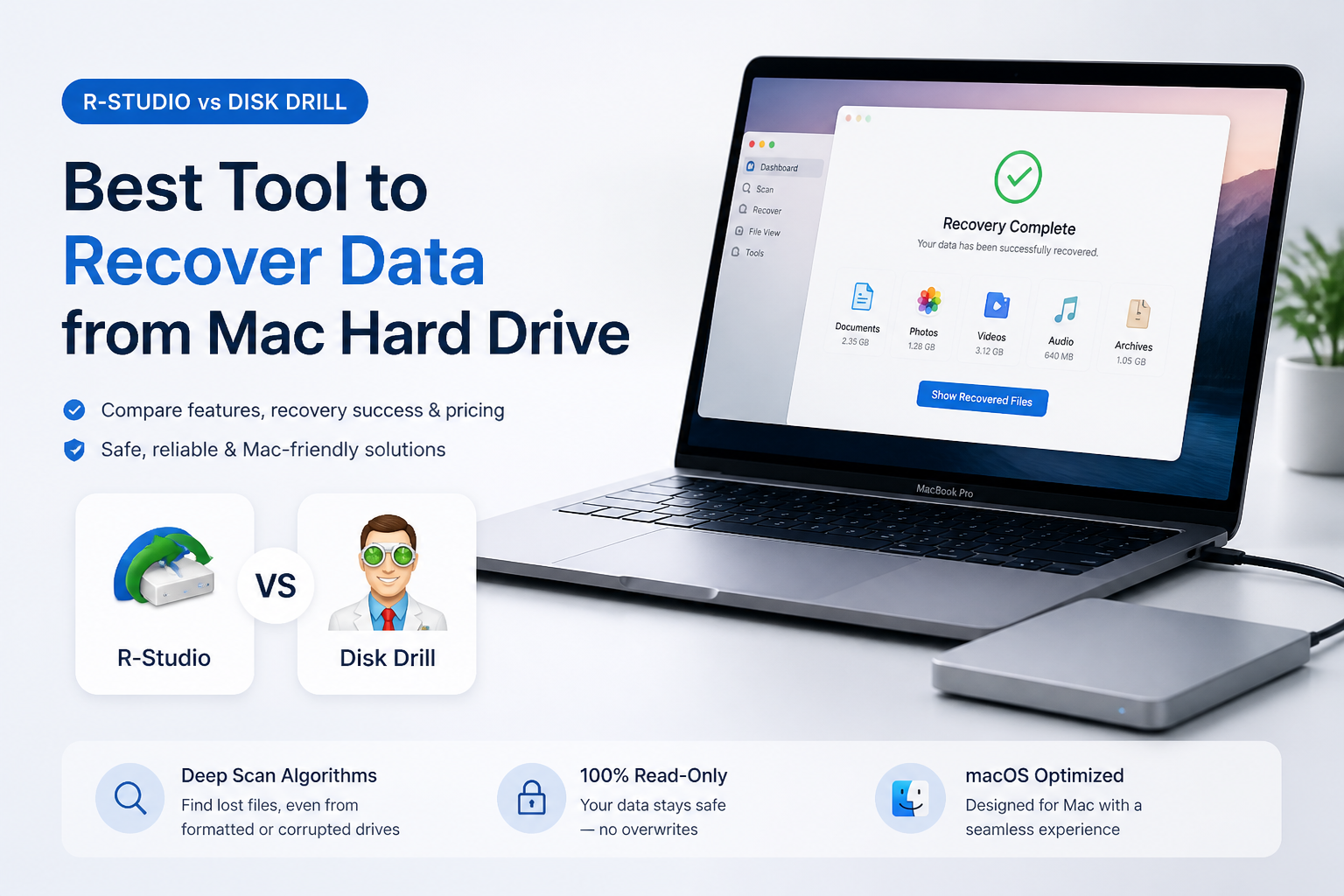
R-Studio gives experienced users deeper technical control. Disk Drill is the easier pick for most Mac owners who need to scan a hard drive, inspect recoverable files, then get them somewhere safe.
Disk Drill wins this comparison for typical Mac hard-drive recovery. R-Studio offers excellent low-level controls, yet its dense interface can slow down a stressful one-time rescue. Disk Drill makes drive selection, scanning, filtering, previewing, plus recovery easier to follow.
Disk Drill for Mac at a Glance
9.2/10Disk Drill is a desktop recovery app for finding deleted or inaccessible files on Mac hard drives, SSDs, memory cards, plus other storage. Its strongest advantage over R-Studio is a less technical recovery workflow.
Best forMac owners recovering files from a readable internal disk or connected external hard drive
- APFS plus HFS+ recovery
- Deleted partition search
- Byte-to-byte drive backups
- File previews plus recovery estimates
- Advanced Camera Recovery
- Much easier to navigate than R-Studio
- Strong support for Mac file systems
- Helpful previews plus result filters
- R-Studio offers deeper imaging controls
- Standard Mac recovery needs a paid license
- Internal Apple silicon SSD recovery is heavily limited by encryption plus TRIM
Disk Drill Mac Recovery Features Compared With R-Studio
01 Mac Hard-Drive Recovery
A capable fit for common APFS, HFS+, exFAT, plus NTFS cases
9.4/10
Mac Hard-Drive Recovery
A capable fit for common APFS, HFS+, exFAT, plus NTFS cases
Disk Drill supports the file systems Mac owners are likely to meet, including APFS, HFS+, FAT, exFAT, plus NTFS. It can scan internal disks, external hard drives, USB media, disk images, plus drives that appear in Disk Utility even when Finder cannot open them normally.
R-Studio covers an even broader technical range, which matters in a lab or mixed-platform repair shop. For an ordinary Mac recovery, though, Disk Drill exposes the useful choices without making the user configure every scan region or file-system parameter first.
- Native support for APFS plus HFS-formatted drives
- Works with internal or external Mac hard drives
- Can locate deleted partitions plus files from formatted volumes
- Recognizes hundreds of file signatures
- Supports Intel Macs plus Apple silicon systems
- Modern Mac encryption can prevent recovery from an internal system SSD
- No recovery utility can restore sectors that have already been overwritten

02 Recovery Workflow
The clearest route from drive selection to restored files
9.6/10
Recovery Workflow
The clearest route from drive selection to restored files
This is where Disk Drill pulls ahead. Choose the affected disk, start Search for lost data, then review results while the scan continues. Photos, videos, documents, archives, plus other categories are separated into practical groups.
R-Studio presents more technical information at once. That depth is useful when rebuilding a RAID or defining a custom scan region, though it raises the chance that a nervous home user picks the wrong volume. Disk Drill feels more like a Mac app, not a storage-engine console.
- Simple scan, review, recover sequence
- Results can be checked before a long scan finishes
- Clean device list makes the source disk easier to identify
- Scan sessions can be saved for later review
- Useful defaults require little manual configuration
- Full Disk Access may be required on macOS
- Advanced users get fewer visible low-level controls than in R-Studio
03 File Previews & Filtering
A practical way to judge results before buying
9.2/10
File Previews & Filtering
A practical way to judge results before buying
The free Mac edition can scan a drive, list discovered files, then preview supported content before purchase. That matters because a filename alone does not prove that the underlying file is intact. Open several important photos, videos, or documents before paying.
Disk Drill also provides search, file-type filters, size filters, date filters, plus recovery-chance indicators. R-Studio has a capable previewer, yet its results tree takes more time to understand.
- Free scanning plus file preview on Mac
- Filters reduce a huge result list quickly
- Recovery-chance labels help prioritize files
- Original folder structures may appear when metadata survives
- Preview works directly from the results screen
- Some damaged or uncommon formats cannot be previewed
- A successful thumbnail does not guarantee every part of a large file is intact
04 Disk Imaging & Safety
Useful precautions for unstable external drives
8.8/10
Disk Imaging & Safety
Useful precautions for unstable external drives
Disk Drill includes byte-to-byte backup tools, letting you create an image of a questionable drive before repeated scans. You can then scan that image instead of placing more read activity on the original disk.
R-Studio goes further with multi-pass imaging, runtime imaging, sector maps, plus professional hardware integrations. It wins this category for technicians. Disk Drill still provides the safer, more understandable process for a healthy drive affected by deletion, formatting, or logical corruption.
- Creates byte-level disk images
- Can scan an image without repeatedly reading the source
- S.M.A.R.T. information helps flag some drive-health concerns
- Recovery destination warnings reduce accidental overwriting
- R-Studio has stronger imaging controls for unstable media
- A clicking, disconnecting, or grinding drive should go to a recovery lab
05 Cost & Licensing
A free evaluation with two paid routes
8.7/10
Cost & Licensing
A free evaluation with two paid routes
Disk Drill Basic for Mac costs $0, though standard recovery is limited to scanning plus previewing. Disk Drill PRO costs $89 per year or $149 for a lifetime license. One personal license supports macOS plus Windows on as many as three activated devices.
R-Studio costs $79.99 for a permanent standard license, so it is the cheaper technical tool. Disk Drill earns its higher overall rating through a friendlier Mac workflow rather than price alone. Test the free preview carefully because Disk Drill purchases are generally non-refundable.
- Free edition can scan plus preview files
- One license covers Mac plus Windows
- Lifetime option includes future product updates
- Up to three device activations for one user
- Mac recovery beyond protected data requires PRO
- The $89 yearly plan costs more than R-Studio's standard license
- Purchases are generally final, so preview first
How We Compared Disk Drill With R-Studio for Mac Recovery
We reviewed the current Mac feature sets, supported file systems, licensing terms, preview restrictions, disk-imaging options, plus recovery workflows available in August 2026. The comparison focused on a common case: recovering deleted or inaccessible files from a Mac-formatted internal or external hard drive.
Scores favor tasks a typical Mac owner can complete safely. R-Studio received extra credit for low-level controls, broad file-system coverage, plus professional imaging. Disk Drill scored higher where clear device selection, previews, filtering, plus fewer setup decisions reduce mistakes.
When Disk Drill Is Not the Right Fix for a Mac Hard Drive
Do not keep scanning a drive that clicks, grinds, disconnects, stalls the Mac, or shows a changing capacity. Software cannot repair failing heads, damaged platters, or unstable electronics. Repeated power cycles may make a professional recovery harder.
Recovery from the internal SSD of a recent Mac is also a weak case. APFS encryption, TRIM, plus Apple security hardware can make deleted blocks unavailable almost immediately. Check Time Machine, iCloud Drive, application backups, plus cloud version history before buying recovery software.
How Disk Drill Scored for Mac Hard-Drive Recovery
| Category | Performance | Score |
|---|---|---|
| 01 Mac Hard-Drive Recovery | 9.4/10 | |
| 02 Recovery Workflow | 9.6/10 | |
| 03 File Previews & Filtering | 9.2/10 | |
| 04 Disk Imaging & Safety | 8.8/10 | |
| 05 Cost & Licensing | 8.7/10 |
R-Studio vs Disk Drill for Mac Hard-Drive Recovery
We compared the current Mac editions using the same practical priorities: drive support, result review, imaging, setup difficulty, plus license cost. No invented recovery percentage is used because results depend heavily on the drive's condition, encryption, file system, plus later write activity.
| Metric | R-Studio | Disk Drill |
|---|---|---|
| Mac file-system support | APFS, HFS+, exFAT, NTFS, UFS, Ext, XFS, plus more | APFS, HFS+, exFAT, NTFS, Ext, BTRFS, ReFS, plus more |
| Ease of use | Powerful but technical | Guided Mac-style workflow |
| Free evaluation | Preview with demo recovery limits | Unlimited scanning plus supported previews |
| Disk imaging controls | Advanced multi-pass plus runtime imaging | Straightforward byte-to-byte backup |
| Result filtering | Detailed technical result tree | Visual categories, search, date, size, plus type filters |
| Best fit | Technicians, RAID work, complex storage layouts | Home users, photographers, creative professionals |
| Personal license | $79.99 permanent license | $89/yr or $149 lifetime |
| Overall score | 8.8 / 10 | 9.2 / 10 |
What Recovery Users Say About Disk Drill
The poster said Disk Drill recovered photos from an inaccessible RAW memory card after several other tools failed. They liked the clean interface, previews, plus Advanced Camera Recovery, though they noted that meaningful recovery required PRO.
One Mac user reported recovering roughly 87,000 files from storage that Finder could not read, though the process included storage-space complications plus restrictions around an encrypted Apple silicon system drive.
Another user said Disk Drill restored a wiped hard drive containing years of family media. A different commenter in the same discussion found that Mac results were unreadable while a Windows scan produced usable videos, which shows why previewing matters.
Should You Choose Disk Drill or R-Studio for Mac Recovery?
Disk Drill is our pick for most Mac hard-drive recovery jobs. Choose it if you want to identify the correct disk, run a broad scan, inspect files, then recover them without learning a technician-focused interface. R-Studio remains the smarter choice for complex RAID layouts, custom scan regions, or advanced imaging work.
Neither app can undo overwritten sectors, failed flash memory, or modern Mac SSD encryption. If a hard drive clicks, vanishes repeatedly, or reports the wrong capacity, stop powering it on plus contact a recovery lab.
Create a byte-to-byte image first, scan the image, then preview several high-value files before buying or saving anything.