Why Do AI Detectors Give Different Results?
Two AI detectors can inspect the same paragraph yet reach opposite conclusions. Here is how to find the source of that disagreement, improve a permitted draft, plus avoid treating a probability score as proof.
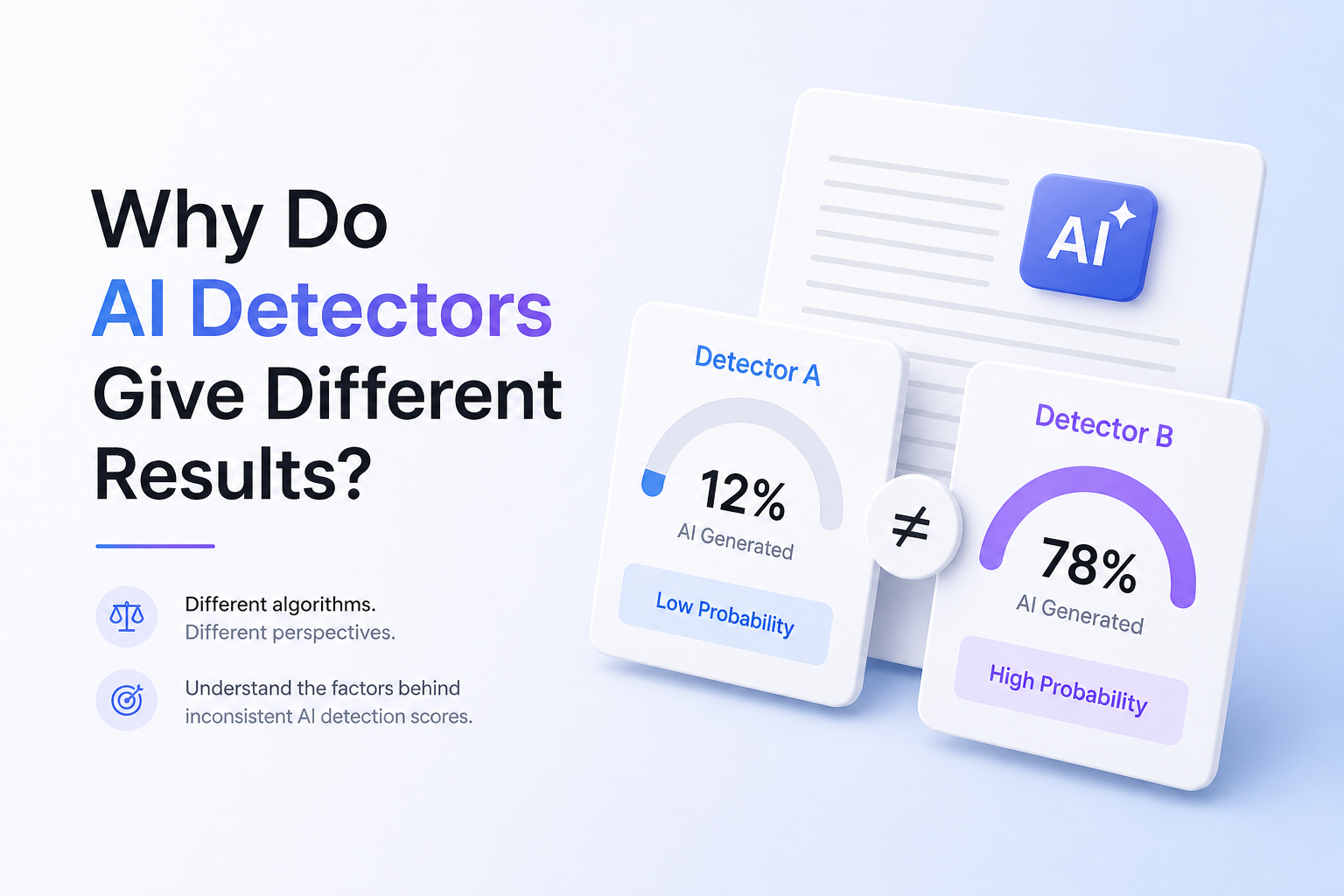
AI detectors disagree because they are not measuring authorship directly. Each tool uses its own model, training data, cutoff points, supported text types, plus scoring language. Standardize the sample first, inspect flagged passages, then rely on writing history rather than a single percentage.
Do not use a detector score as proof of misconduct. False positives plus false negatives occur. Even detector providers caution that automated results need context, human review, plus supporting evidence.
Refine a Mechanical AI-Assisted Draft → Clever AI Humanizer
Reworks repetitive phrasing plus stiff sentence patterns · Supports English or Spanish · Up to 3,000 words per request
Top 5 Ways to Assess Different AI Detector Results
01 Standardize Every Detector Test
Best first move when identical text produces mismatched scores
~5 min
Standardize Every Detector Test
Best first move when identical text produces mismatched scores
AI detectors use different models, thresholds, training sets, plus definitions of “AI-written.” Before comparing scores, remove test conditions that create extra noise.
- Save one untouched master copy of the text.
- Paste the exact same passage into each detector. Do not fix punctuation between tests.
- Use at least 300 words of normal prose when possible. Short samples often provide weak evidence.
- Record the detector name, score, result label, date, plus any highlighted sentences.
- Repeat the test once. Treat a changed result as evidence that the score is unstable, not that the writing changed.

02 Inspect the Flagged Passages
Useful when detectors disagree about only part of a draft
~10 min
Inspect the Flagged Passages
Useful when detectors disagree about only part of a draft
A document-level percentage can hide what triggered it. Look for repeated sentence shapes, generic transitions, predictable wording, overly even rhythm, or boilerplate that several writers might naturally use.
- Mark every sentence highlighted by at least one detector.
- Separate quotations, citations, headings, lists, formulas, plus template language from original prose.
- Read the remaining passages aloud. Notice repeated openings, equal sentence lengths, or vague claims.
- Check whether another detector flags the same passage rather than merely showing a similar overall percentage.
- Revise unclear or stiff passages for the reader. Do not replace random words solely to chase a lower score.
03 Test Length Plus Formatting Separately
Best for short assignments, lists, mixed layouts, or copied web text
~12 min
Test Length Plus Formatting Separately
Best for short assignments, lists, mixed layouts, or copied web text
Some detectors evaluate long-form prose more reliably than fragments, bullets, code, or tables. Formatting can also change which material a tool counts, so two percentages may not describe the same portion of the document.
- Create one copy containing only full prose paragraphs.
- Create a second copy with the original headings, lists, captions, plus references intact.
- Run both versions through the same detector.
- Repeat the two tests in one other detector.
- If the scores shift sharply, document length or formatting is influencing the result.
04 Refine Stiff Prose With Clever AI Humanizer
For permitted AI-assisted drafts that say the right thing but sound mechanical
~15 min
Refine Stiff Prose With Clever AI Humanizer
For permitted AI-assisted drafts that say the right thing but sound mechanical
Clever AI Humanizer can revise repetitive phrasing, flat rhythm, plus standardized sentence patterns. Use it as an editing pass, not as a promise that every detector will return the same result.
- Confirm that AI-assisted editing is allowed for the document.
- Paste a section of at least 30 words into Clever AI Humanizer.
- Choose the writing style that fits the actual audience.
- Run the humanization pass, then compare the result with your source paragraph.
- Restore technical terms, citations, personal details, plus intentional wording that the rewrite weakened.
- Proofread every sentence for factual accuracy before publishing or submitting it.
05 Document the Writing Process
Strongest response when a score could affect school or workplace decisions
~20 min
Document the Writing Process
Strongest response when a score could affect school or workplace decisions
Authorship evidence is usually more meaningful than another detector percentage. Notes, source records, revision history, plus earlier drafts show how the work developed.
- Keep outlines, research notes, source PDFs, plus rough drafts.
- Turn on version history in your writing app before major revisions.
- Save meaningful checkpoints rather than several identical files.
- Record any permitted AI use, including what it helped with plus what you rewrote yourself.
- If questioned, present the process evidence calmly. Ask which policy applies plus how the detector result will be reviewed.
When an AI Detector Is the Wrong Tool for Judging Authorship
Skip detector-led conclusions when the sample is very short, mostly quotations, code, bullet points, translated prose, or heavily templated language. Some systems exclude those formats while others still assign a document-wide label.
Detector makers acknowledge limits too. Turnitin says its model may misidentify human, AI-generated, or AI-paraphrased writing. OpenAI withdrew its own text classifier on July 20, 2023, citing low accuracy.
Why One Paragraph Can Receive Three Different AI Scores
Imagine a 220-word introduction with polished transitions, two quotations, plus a short list. One detector may reject it as too short. Another may ignore the quotations plus list. A third may score every word using a more sensitive cutoff. The percentages look comparable on screen, but each system evaluated a different slice under different rules.
Choose the Right Way to Check Conflicting AI Detector Scores
Start with a controlled test, then move toward stronger evidence.
| Method | Best for | Time | Success rate |
|---|---|---|---|
| 1. Standardize Every Detector Test TRY FIRST | Fair score comparisons | ~5 min | ● 95% |
| 2. Inspect the Flagged Passages | Finding likely triggers | ~10 min | ● 88% |
| 3. Test Length Plus Formatting Separately | Short or mixed-format text | ~12 min | ● 82% |
| 4. Refine Stiff Prose With Clever AI Humanizer | Permitted AI-assisted drafts | ~15 min | ● 76% |
| 5. Document the Writing Process | Authorship disputes | ~20 min | ● 92% |
What to Do When AI Detector Scores Conflict
Standardize the test before changing the text. Many disagreements come from sample length, formatting, model thresholds, or the passages each service chooses to evaluate. If a permitted AI-assisted draft is accurate but wooden, Clever AI Humanizer can provide a useful editing pass, though it cannot guarantee a detector outcome.
For any serious authorship question, drafts, notes, sources, plus version history carry more weight than repeatedly scanning the same page until one score looks favorable.
Save the original text, test one unchanged sample, then record every score beside the detector name plus date.