Disk Drill Alternatives: How Disk Drill Compares to Other Recovery Tools
Disk Drill is easier to live with than most technical recovery utilities, though it is not the cheapest choice. Here is where R-Studio, DMDE, Recuva, EaseUS, plus Stellar make more sense.
Disk Drill is our general-use pick for people who want capable recovery software without learning a technician-style interface. R-Studio offers deeper controls, DMDE costs far less, while Recuva covers simple Windows deletions for free.
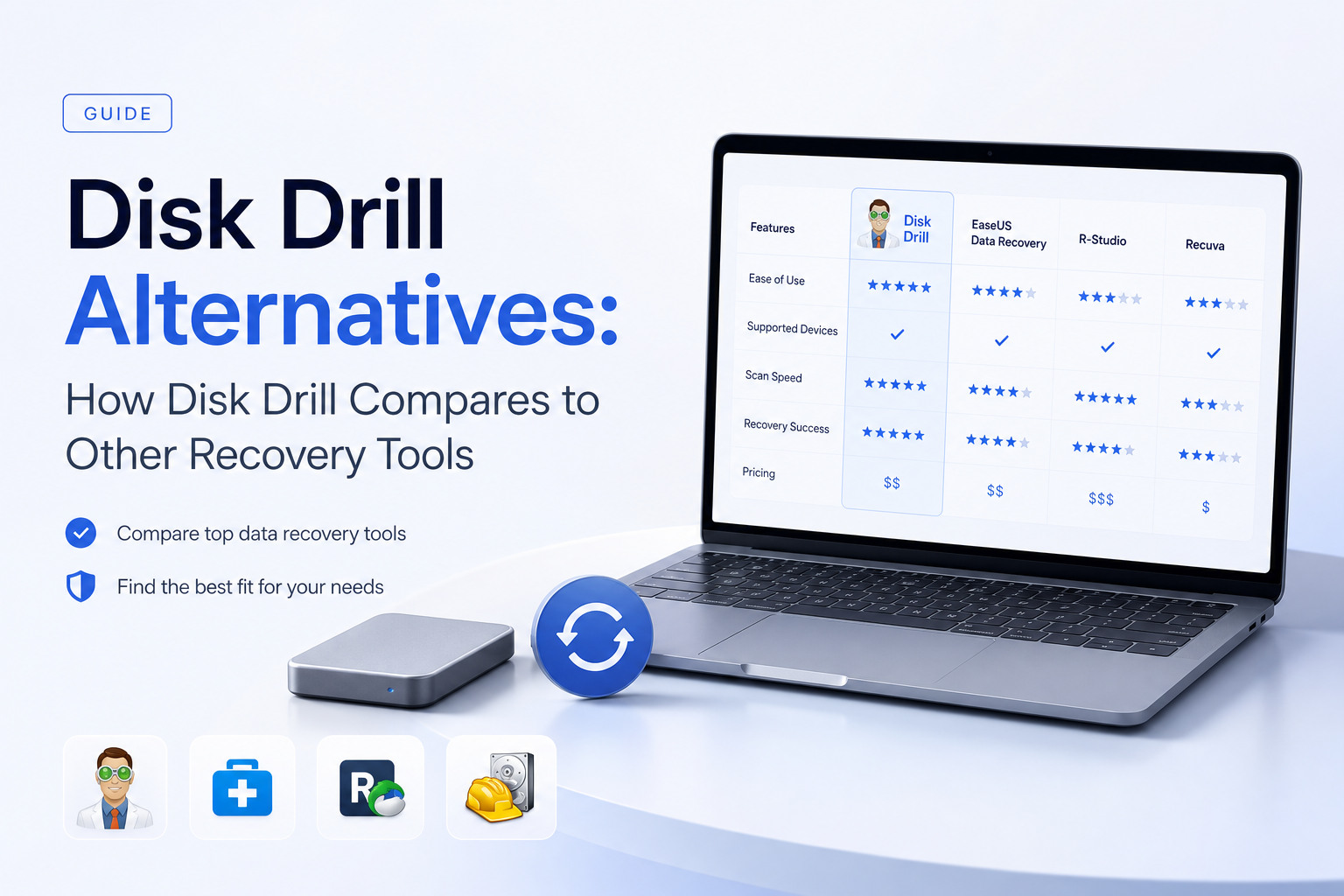
Disk Drill at a Glance
8.7/10Disk Drill is a desktop recovery application for deleted, formatted, inaccessible, or corrupted storage. It scans internal disks, external drives, memory cards, plus disk images on Windows or macOS.
Best forHome users recovering photos, videos, documents, or mixed-platform external drives
- Quick, deep, plus signature-based scans
- Advanced Camera Recovery
- Byte-to-byte disk imaging
- File previews plus result filters
- Recovery Vault or Guaranteed Recovery
- Easy result browsing
- Broad file-system support
- Lifetime license available
- Limited free recovery
- Costs more than DMDE or R-Studio
- Not built for failing hardware
Disk Drill Features Compared With Other Recovery Tools
01 Recovery Workflow
Far less intimidating than technician-focused rivals
9.3/10
Recovery Workflow
Far less intimidating than technician-focused rivals
Disk Drill keeps the main process unusually tidy: choose a device, start the scan, filter the results, preview a file, then recover it somewhere safe. That sounds basic, yet it matters when a missing folder has already put someone on edge. R-Studio exposes more controls, while DMDE often expects the user to understand partitions or file-system structures.
The preview stage is the strongest practical reason to start here. Disk Drill Basic can scan before purchase, so you can inspect important photos or documents before paying. The interface can still produce crowded result lists after a signature scan, especially when original metadata is gone.
- Straightforward scan-to-recovery path
- Useful filters for file type, date, size, plus recovery chance
- File previews available before a paid upgrade
- Scan sessions can be saved for later review
- Large raw-scan result sets take time to sort
- Generic filenames appear when metadata cannot be rebuilt

02 Camera Media Recovery
A meaningful edge for fragmented video cards
9.1/10
Camera Media Recovery
A meaningful edge for fragmented video cards
Disk Drill 6 includes Advanced Camera Recovery for media from cameras, drones, action cameras, plus similar devices. This mode targets fragmented video, where a basic signature scanner may find a file header but fail to rebuild a playable clip.
That gives Disk Drill a clearer purpose than Recuva for damaged SD cards. R-Studio remains attractive for users who want precise scan settings, while DMDE can be surprisingly effective if the file-system records are still usable. For ordinary JPEG deletion, any of those tools may be enough. Disk Drill becomes more interesting once large MOV or MP4 files enter the picture.
- Dedicated fragmented-video recovery mode
- Supports common SD, microSD, CF, plus removable media
- Thumbnail view helps sort large photo sets
- Byte-to-byte images can reduce repeated card access
- No software can reconstruct overwritten video blocks
- Preview quality does not guarantee every recovered clip will play fully
03 File System Coverage
Broad enough for mixed Mac, PC, plus Linux-formatted media
8.9/10
File System Coverage
Broad enough for mixed Mac, PC, plus Linux-formatted media
Disk Drill supports major Windows file systems such as NTFS, ReFS, FAT, plus exFAT. It also reads APFS, HFS+, EXT2 through EXT4, plus BTRFS. That makes one license useful in homes where a MacBook shares external drives with a Windows desktop.
R-Studio is still the stronger fit for complex RAID work, remote recovery, Linux-hosted recovery, or custom technical cases. Disk Drill aims at a different user. It offers wide compatibility without placing every low-level option on the first screen.
- Windows plus macOS versions share one license
- Reads common Apple, Microsoft, plus Linux file systems
- Signature scan works when a file system is missing
- Recognizes hundreds of file signatures
- No native Linux application
- Raw recovery may lose folder structure plus original names
04 Recovery Safety Tools
Imaging features help limit stress on questionable media
8.6/10
Recovery Safety Tools
Imaging features help limit stress on questionable media
The byte-to-byte backup feature can copy a device into an image file before recovery work begins. Scanning that image is preferable to repeatedly reading a card or drive that shows occasional errors. Disk Drill also includes S.M.A.R.T. monitoring plus platform-specific protection tools for future deletions.
Still, software is not a repair service. Stop immediately if a hard drive clicks, vanishes during use, spins down repeatedly, or reports a rapidly growing bad-sector count. A lab is safer in those cases. Also, never install recovery software on the affected disk or save restored files back to it.
- Built-in byte-to-byte disk imaging
- Recovery Vault on Windows
- Guaranteed Recovery features on macOS
- Read-only scanning workflow for ordinary recovery
- Imaging a severely unstable drive can worsen its condition
- Protection features only help after they have been enabled
05 Cost & Licensing
Reasonable lifetime option, weak free recovery allowance
7.4/10
Cost & Licensing
Reasonable lifetime option, weak free recovery allowance
Disk Drill Basic costs $0. On Windows it recovers up to 100 MB, while the Mac edition mainly serves as a scan-plus-preview trial unless protected-file recovery applies. PRO costs $89 per year or $149 for a lifetime license. One license covers Windows plus macOS with three activations.
The lifetime plan is simpler than EaseUS or Stellar subscriptions for repeat use, yet Disk Drill loses badly to DMDE on pure price. DMDE Express costs $20 for one year, DMDE Standard is $48 perpetual, while R-Studio is $79.99 perpetual. Recuva Free remains the sensible first attempt for a recently deleted Windows file on a healthy NTFS or FAT drive.
- Lifetime license includes future upgrades
- One license covers both supported desktop platforms
- Three device activations
- Free scanning plus previews reduce purchase guesswork
- Mac Basic usually requires payment to save recovered files
- $149 is steep for a single accidental deletion
- Digital purchases generally have a restrictive refund policy
How We Compared Disk Drill With R-Studio, DMDE, Recuva, EaseUS, Plus Stellar
We compared the July 2026 versions through their documented scan modes, supported systems, preview limits, imaging tools, license terms, plus current US pricing. We also reviewed recent user reports involving deleted files, inaccessible SD cards, formatted storage, lost directory structures, plus fragmented camera video.
Scores favor recoverability checks, safe workflow, understandable results, plus honest trial limits. We did not assign invented recovery percentages because outcomes change with overwrite activity, TRIM, file-system damage, fragmentation, encryption, plus physical media condition.
When Disk Drill Is Not the Right Recovery Tool
R-Studio is a better match for experienced technicians handling RAID layouts, remote systems, Linux hosts, or cases needing granular scan control. DMDE is the value pick if you can tolerate a dense interface. Recuva works well as a no-cost first pass for ordinary deletions on healthy Windows storage.
A professional lab is the correct choice if a drive clicks, scrapes, disappears, reports the wrong capacity, or cannot stay powered. Do not run repair utilities such as CHKDSK before securing an image. Those tools modify file-system data, which can make later recovery harder.
Disk Drill Alternatives Review: How Disk Drill Scored by Category
| Category | Performance | Score |
|---|---|---|
| 01 Recovery Workflow | 9.3/10 | |
| 02 Camera Media Recovery | 9.1/10 | |
| 03 File System Coverage | 8.9/10 | |
| 04 Recovery Safety Tools | 8.6/10 | |
| 05 Cost & Licensing | 7.4/10 |
What Disk Drill Users Report Online
The poster said Disk Drill recovered family photos from an inaccessible SD card in roughly ten minutes after Recuva failed to detect the card.
After previewing missing SD-card photos, this user purchased Disk Drill. Their update said the photos returned at original quality.
One user reported poor directory reconstruction on several old drives, then found DMDE harder to operate but more successful for the remaining disk.
A commenter who tried both products preferred R-Studio because it preserved the expected file locations, while another commenter in the same discussion preferred Disk Drill.
Should You Choose Disk Drill Over Its Alternatives?
Disk Drill is the safer general recommendation for a home user who values clear previews, broad device support, plus a calm interface. Pick R-Studio for expert controls or RAID work, DMDE for low-cost recovery, or Recuva for uncomplicated Windows undelete jobs.
Skip every do-it-yourself tool if the storage device has physical symptoms. No friendly interface offsets the risk of pushing damaged hardware until it stops responding.
Create a byte-to-byte image first, scan the image, preview several important files, then pay only if those previews open correctly.