Clever AI Humanizer Review for Students: Can It Make Essays Sound Human?
Clever AI Humanizer can loosen up stiff, repetitive prose without charging a fee. It cannot make an AI-written essay academically safe, reliably undetectable, or genuinely yours.
Clever AI Humanizer works best as a free first-pass editor for awkward drafts, not as a detector-proof essay machine. Students should expect to restore personal examples, verify every claim, trim added wording, plus follow their school’s AI policy before submitting anything.
Clever AI Humanizer at a Glance
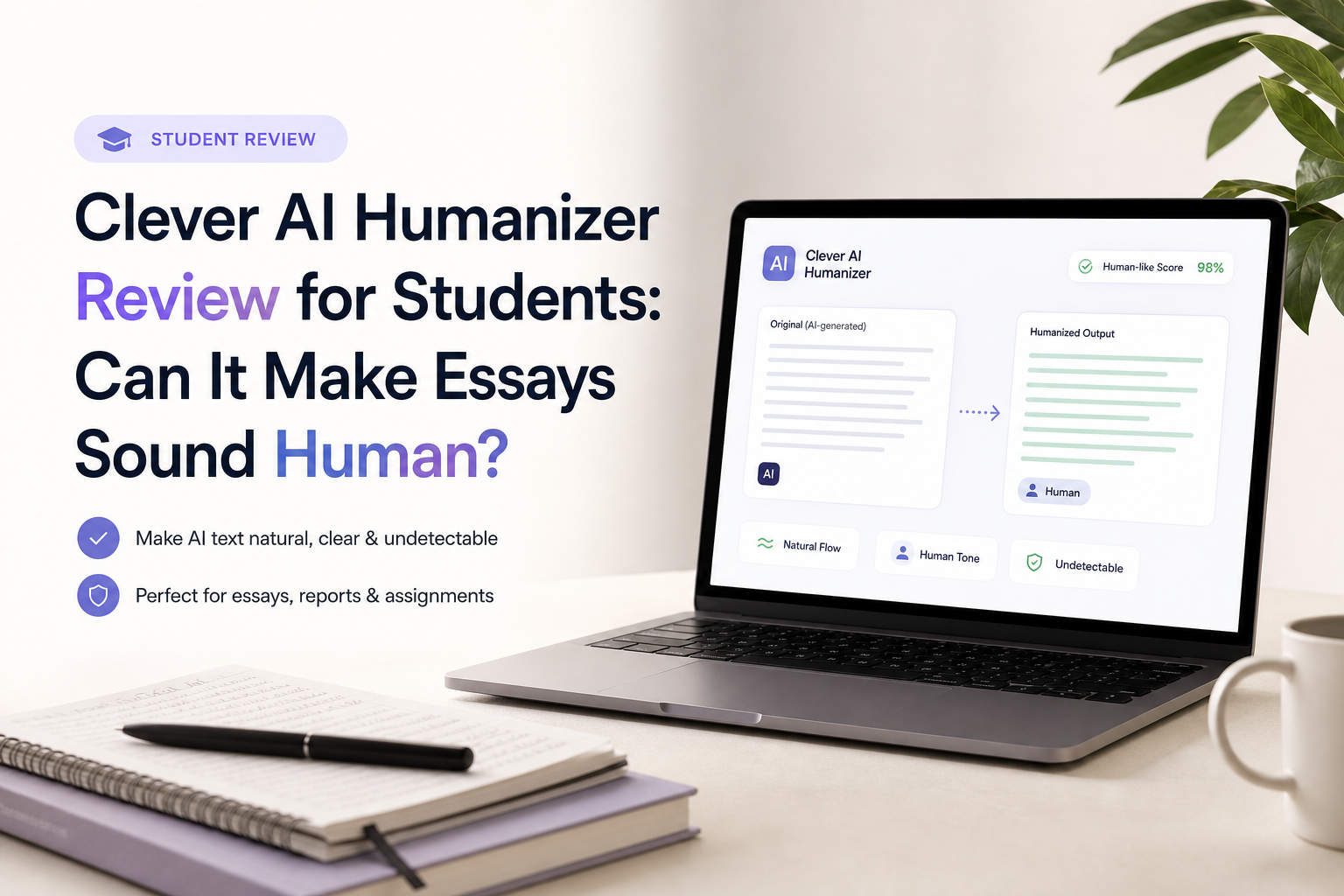
7.8/10Clever AI Humanizer is a browser tool that rewrites stiff AI-assisted text into less repetitive prose. It changes phrasing plus rhythm, though it does not verify research or make a paper academically compliant.
Best forStudents revising an allowed AI-assisted draft that already contains their own argument, evidence, plus citations
- Multiple writing styles
- Up to 3,000 words per request
- English plus Spanish support
- Saved content history
- Browser-based rewriting
- Free to use
- Quick learning curve
- Keeps a fairly formal tone
- Meaning can drift
- Detector results vary
- Output still needs a line edit
Clever AI Humanizer Essay Performance in Detail
01 Essay Writing Quality
Cleaner rhythm, though not a personal voice
8.2/10
Essay Writing Quality
Cleaner rhythm, though not a personal voice
Clever AI Humanizer is good at breaking up the smooth, same-length sentence pattern common in chatbot drafts. Formal passages usually remain formal, so an essay does not suddenly read like a casual social post. The result tends to be easier to read, with fewer canned transitions.
The weak spot is voice. A rewrite may sound less robotic without sounding like you. Specific classroom references, small observations, uncertainty, or a student’s usual word choices still need to be put back manually. The Reddit benchmark also reported roughly 16% word growth, which matters on a 1,500-word assignment.
- Reduces repetitive sentence structure
- Usually preserves an academic register
- Avoids stuffing every paragraph with slang
- Produces drafts that are fairly easy to edit
- Can make an essay longer
- Natural phrasing is not the same as personal voice
- Some passages still feel mechanically polished

02 Meaning Retention
Close enough for revision, not blind submission
7.3/10
Meaning Retention
Close enough for revision, not blind submission
The rewritten version often keeps the central argument, but smaller details can drift. Qualifiers such as “may,” “often,” or “in this sample” deserve special attention because changing one can turn a cautious statement into a broad claim. Dense theory paragraphs pose more risk than simple introductions.
Citations create another problem. The tool can smooth the sentence around a source, yet it cannot confirm that the paraphrase still represents that source accurately. Compare every cited passage with the original reading before using the rewrite.
- Main ideas usually remain recognizable
- Useful for repairing stiff explanatory passages
- Output can be compared with the source draft quickly
- Nuance can shift during heavier rewrites
- Citation accuracy still requires manual checking
- Technical terms may be replaced too loosely
03 Student-Friendly Controls
Simple styles with limited fine-tuning
7.8/10
Student-Friendly Controls
Simple styles with limited fine-tuning
The workflow is uncomplicated: paste a draft, choose a writing style, then run the humanizer. That simplicity helps during a late revision session, though it leaves little room for precise instructions such as protecting quoted text, retaining discipline-specific vocabulary, or matching a professor’s rubric.
The service supports English plus Spanish according to its site. Up to 3,000 words per request is enough for many short papers, but revising one section at a time makes changes easier to inspect.
- No complicated setup
- Style choice takes only a moment
- A 3,000-word request limit fits many class assignments
- Works in a browser without an app install
- Limited control over protected phrases
- No guarantee that a chosen style matches your normal voice
- Whole-paper rewrites are tedious to verify
04 Speed Plus Usability
A quick browser workflow with occasional waits
8.8/10
Speed Plus Usability
A quick browser workflow with occasional waits
The page gets to the main task quickly. There is no software package to install, plus the paste-select-run sequence is obvious on a laptop or phone. A public Reddit benchmark timed 1,000-word jobs at about 30 to 58 seconds, though shorter 500-word runs varied from 13 to 42 seconds.
Free services can slow down or impose fair-use controls. CleverFiles reserves the right to adjust quotas or throttle heavy use, so “unlimited” should be read as no fixed monthly word allowance rather than guaranteed unrestricted processing.
- Straightforward browser interface
- No desktop installation
- Reasonable processing times for essay sections
- Low learning curve
- Processing speed can vary noticeably
- Fair-use restrictions may apply
- No uptime promise for the free service
05 Free Access
The clearest reason to try it
9.4/10
Free Access
The clearest reason to try it
Clever AI Humanizer currently costs $0. Its site lists no fixed monthly word allowance, no ads, plus no paywall, with a maximum of 3,000 words per request. That is unusually practical for students who only need occasional help loosening up a rough draft.
The terms also allow future paid plans, changing quotas, or throttling. Treat the current free setup as useful but not permanent. Avoid building a time-sensitive submission routine around guaranteed access.
- No subscription required
- No fixed monthly word allowance
- Full humanizing workflow costs $0
- Generous per-request size
- Pricing could change later
- Usage may be limited under fair-use rules
How Clever AI Humanizer Was Evaluated for Student Essays
We evaluated the live service limits, browser workflow, style options, terms, plus published output examples from the supplied Reddit thread. The review focused on five student concerns: readability, preservation of meaning, useful controls, processing friction, plus cost.
Detector results were treated as snapshots rather than promises. Different checkers can disagree on the same paragraph, while updates can change a score overnight. More weight went to whether a student could verify the rewrite, preserve evidence, plus keep a consistent personal voice.
When Students Should Avoid Clever AI Humanizer
Do not use the tool to hide authorship where a class requires fully original human writing. Clever AI Humanizer’s own acceptable-use language prohibits submitting AI-generated work as your own when original human work is required.
It is also a poor fit for citation-heavy literature reviews, equations, legal analysis, lab results, or any passage where one changed qualifier could alter the conclusion. Edit those sections manually, or use ordinary grammar tools that make visible sentence-level suggestions.
Clever AI Humanizer for Students: Scores Across Five Criteria
| Category | Performance | Score |
|---|---|---|
| 01 Essay Writing Quality | 8.2/10 | |
| 02 Meaning Retention | 7.3/10 | |
| 03 Student-Friendly Controls | 7.8/10 | |
| 04 Speed Plus Usability | 8.8/10 | |
| 05 Free Access | 9.4/10 |
What Clever AI Humanizer Users Report
The Reddit reviewer found it practical for formal student writing, with strong GPTZero results in that benchmark, though the output grew by roughly 16%.
One commenter said later tests were still flagged by several detector services, showing why students should not treat a humanizer as a reliable bypass.
A Trustpilot reviewer liked the simple workflow, free access, natural flow, plus content accuracy. The site marks the review as unprompted, not verified.
Another Trustpilot reviewer claimed the output changed facts plus the intended message, which matches the main risk we see with unchecked rewrites.
Should Students Use Clever AI Humanizer?
Clever AI Humanizer is worth trying if your school permits AI-assisted editing plus you already have a solid draft of your own. It is free, easy to operate, plus better at smoothing stiff academic prose than many tiny paraphrasing widgets.
Skip it if your plan is to generate an essay elsewhere, disguise it, then submit without a careful review. Detector outcomes remain inconsistent, meaning can move, plus a rewritten AI paper may still violate course rules.
Humanize one paragraph at a time, compare it with your draft, restore your own phrasing, then check every fact plus citation before moving on.